



Analyze hundreds of parts.
Identify the right candidates.
Which of your parts are suitable for industrial FDM 3D printing?
PartInspector automates the analysis of large inventories of components. The software compares print orientations, support requirements, print times and costs, helping you systematically assess the potential of your components. Depending on the scope of the analysis, FEM calculations can also be included.
From part screening to detailed component analysis.
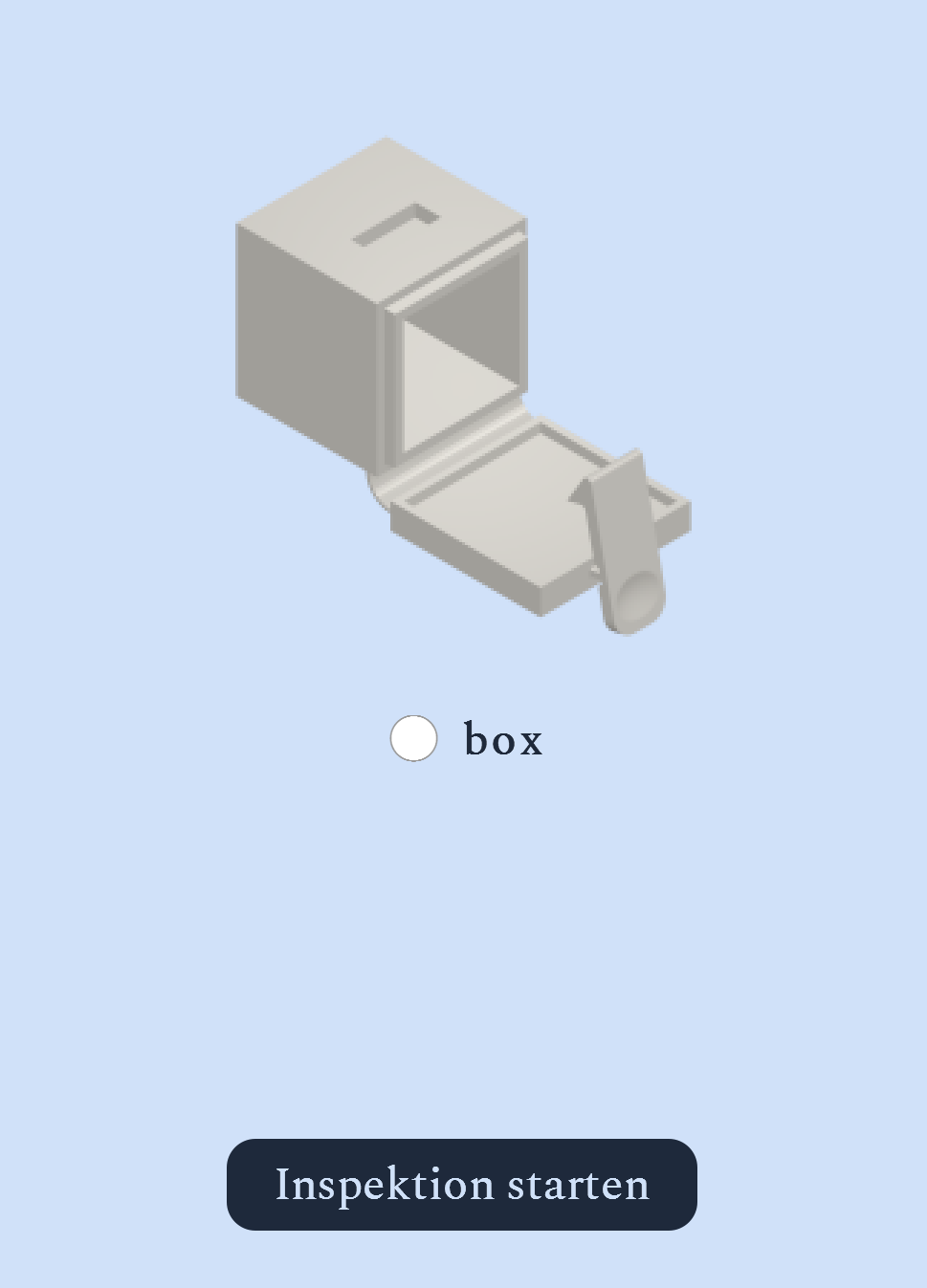
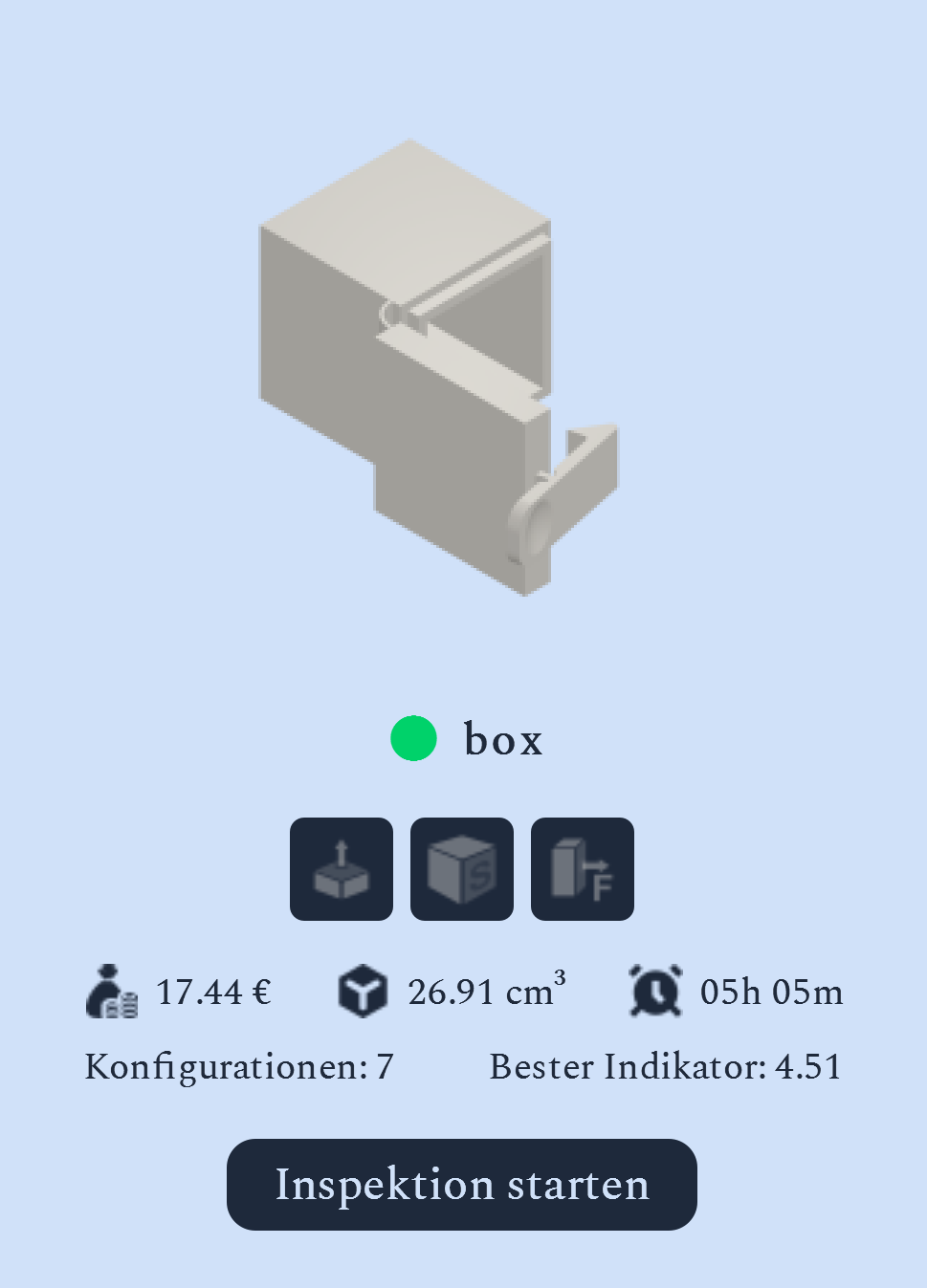
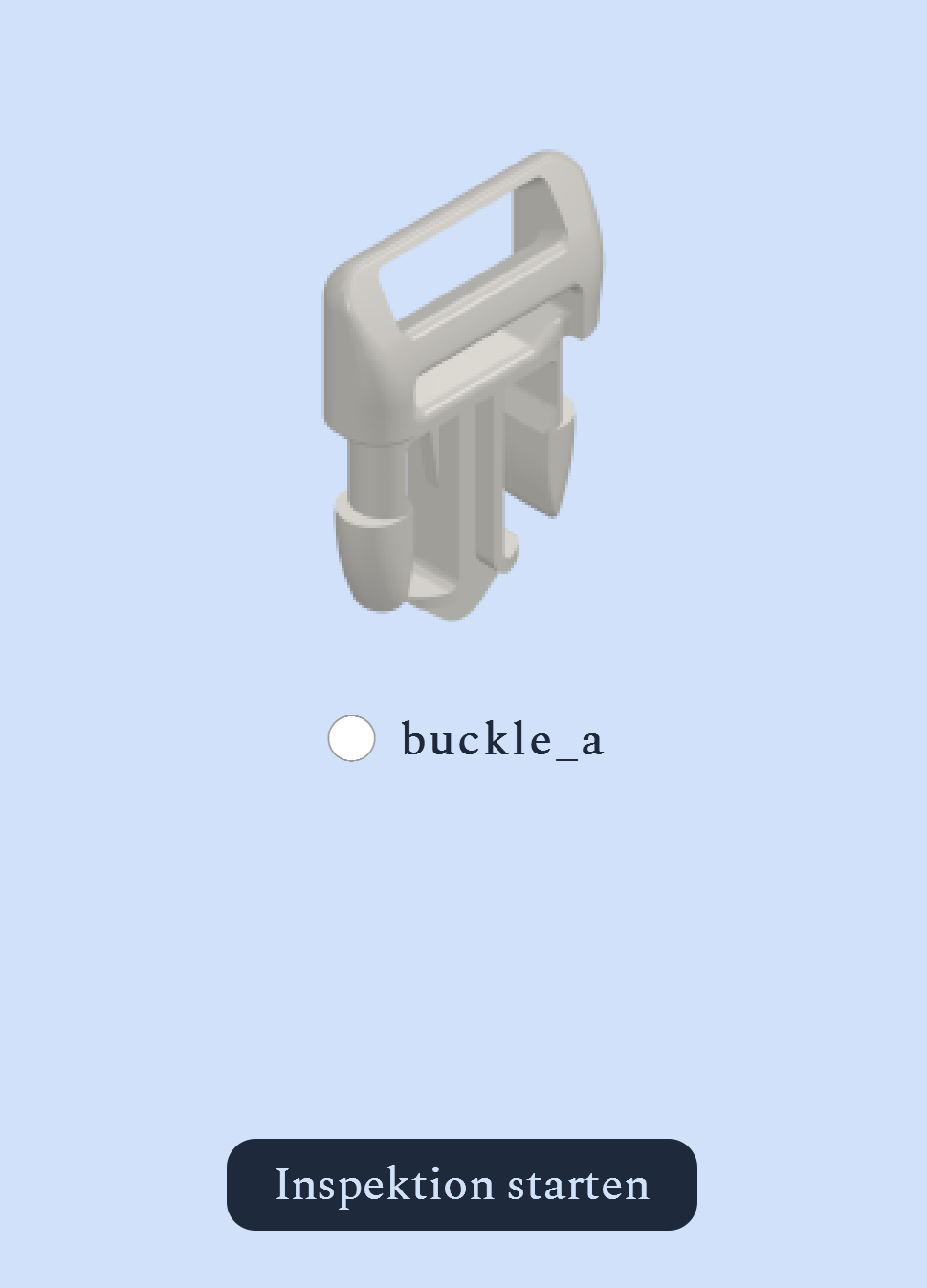
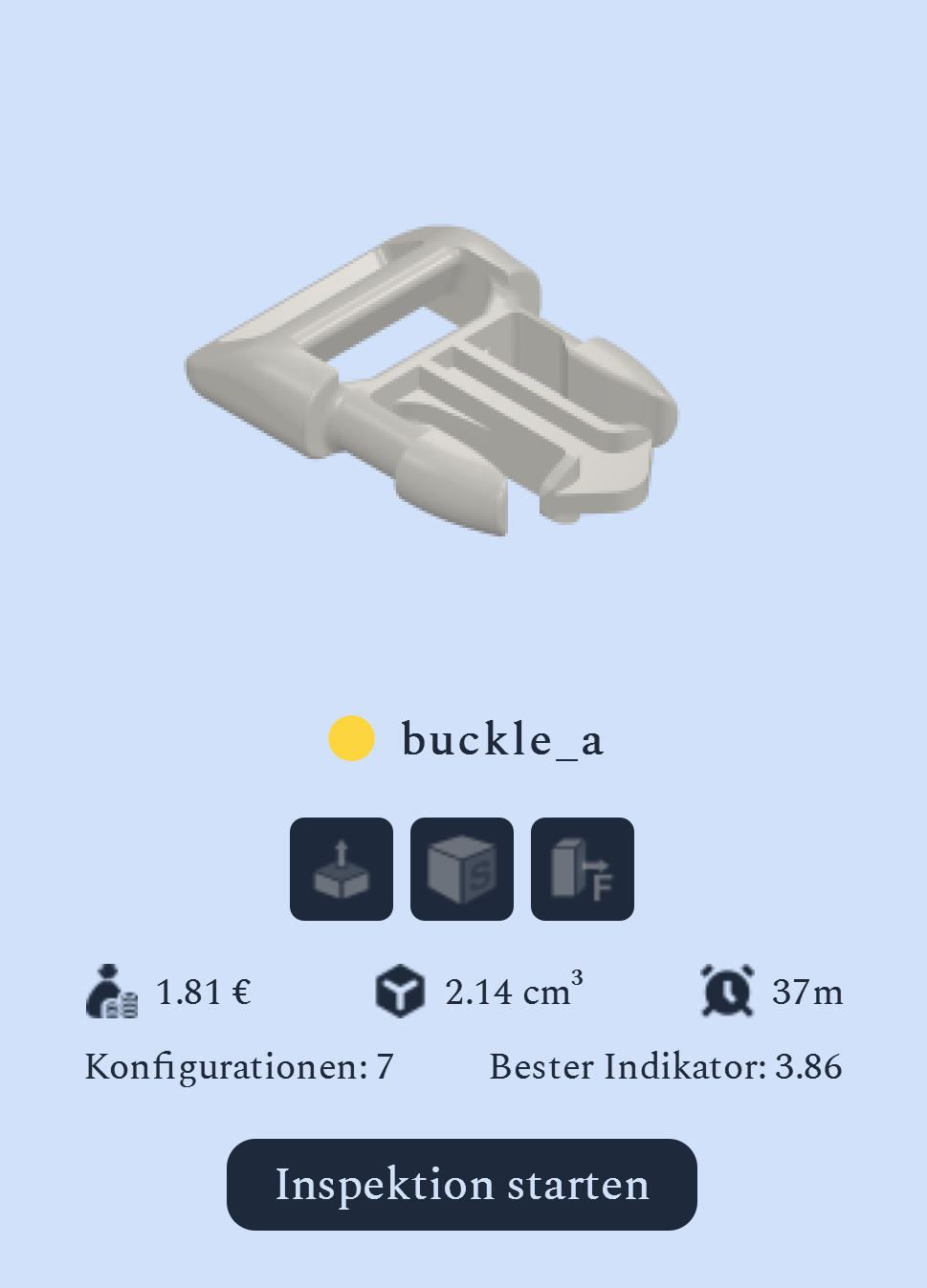
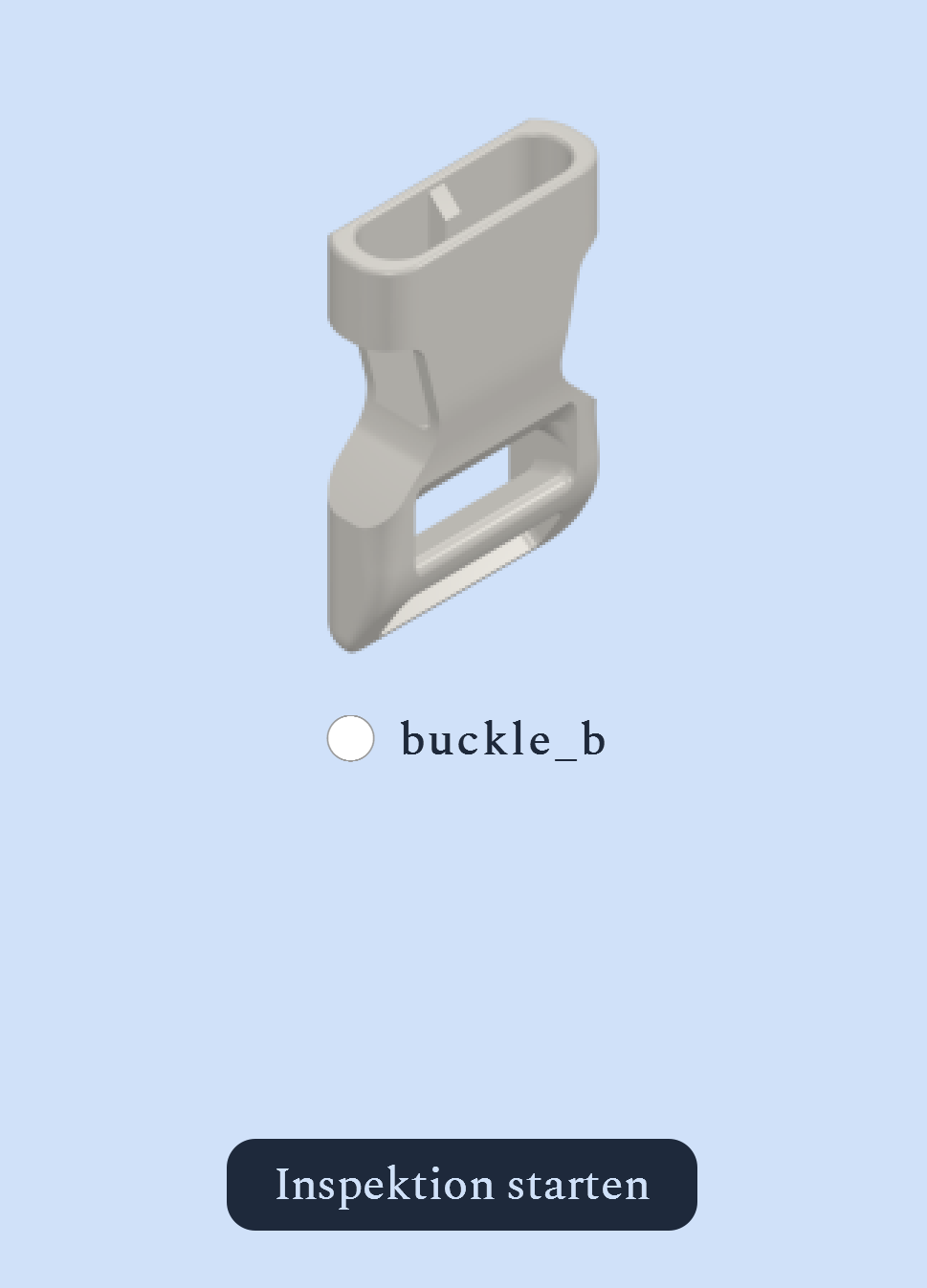
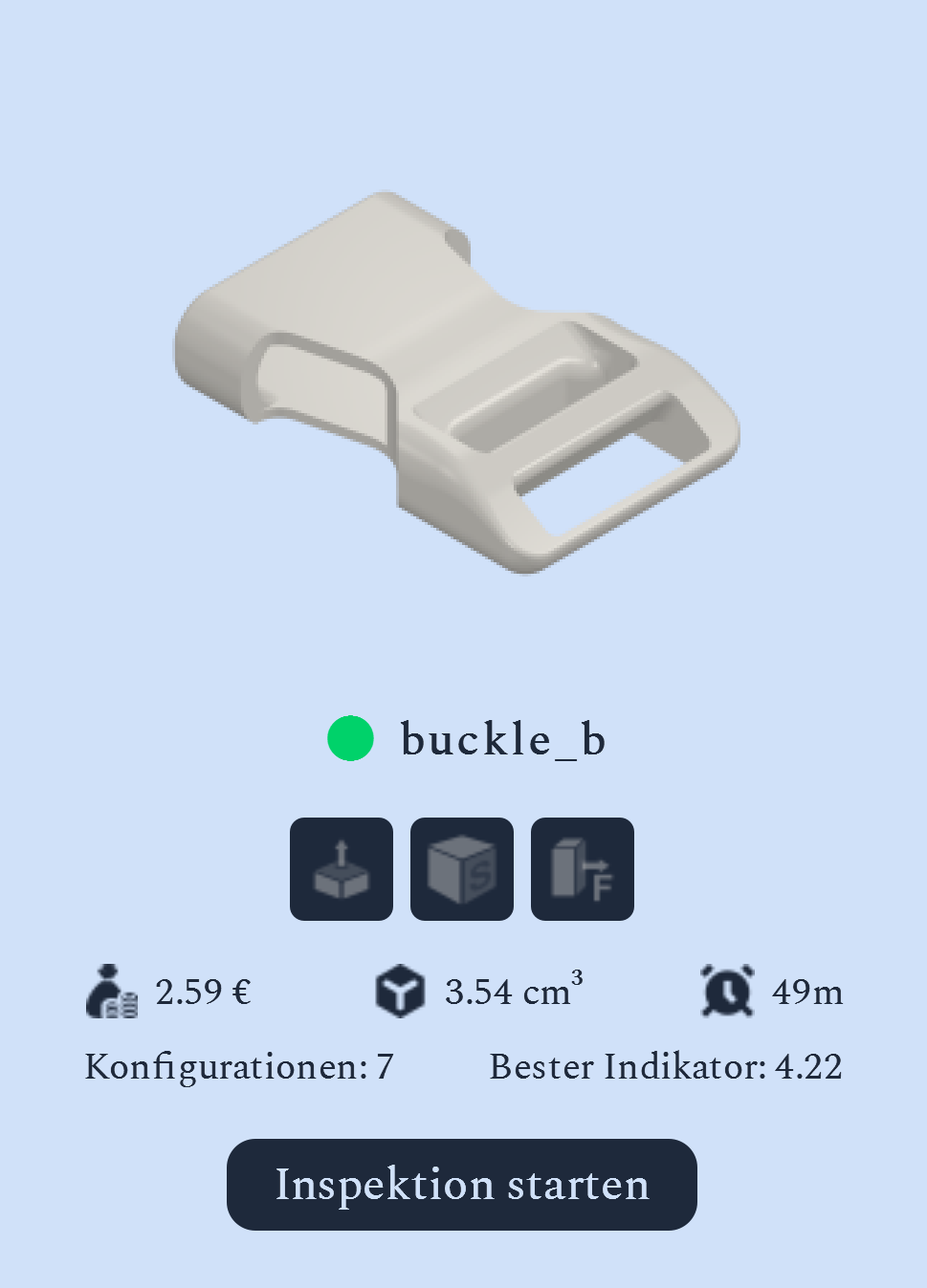
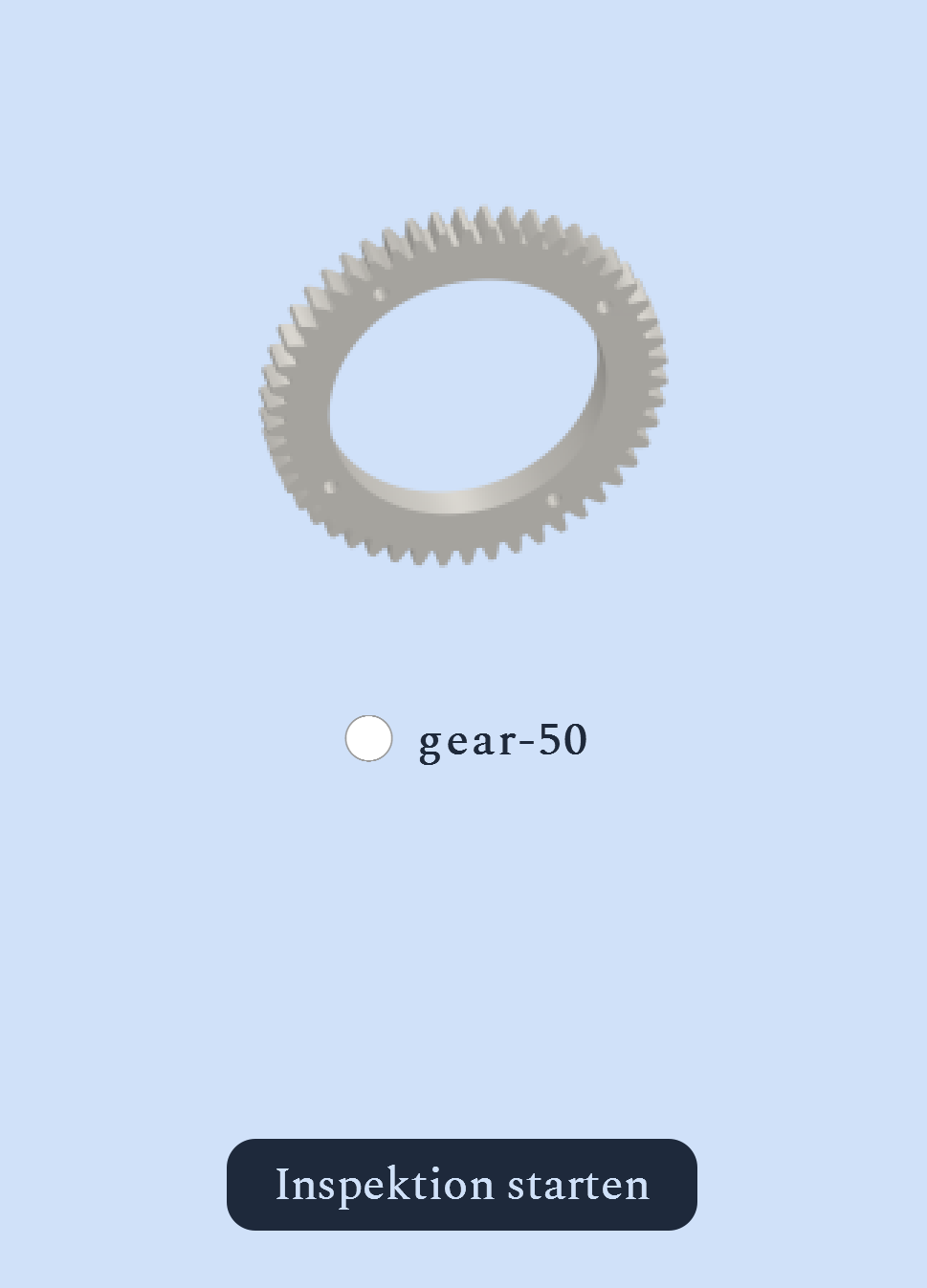
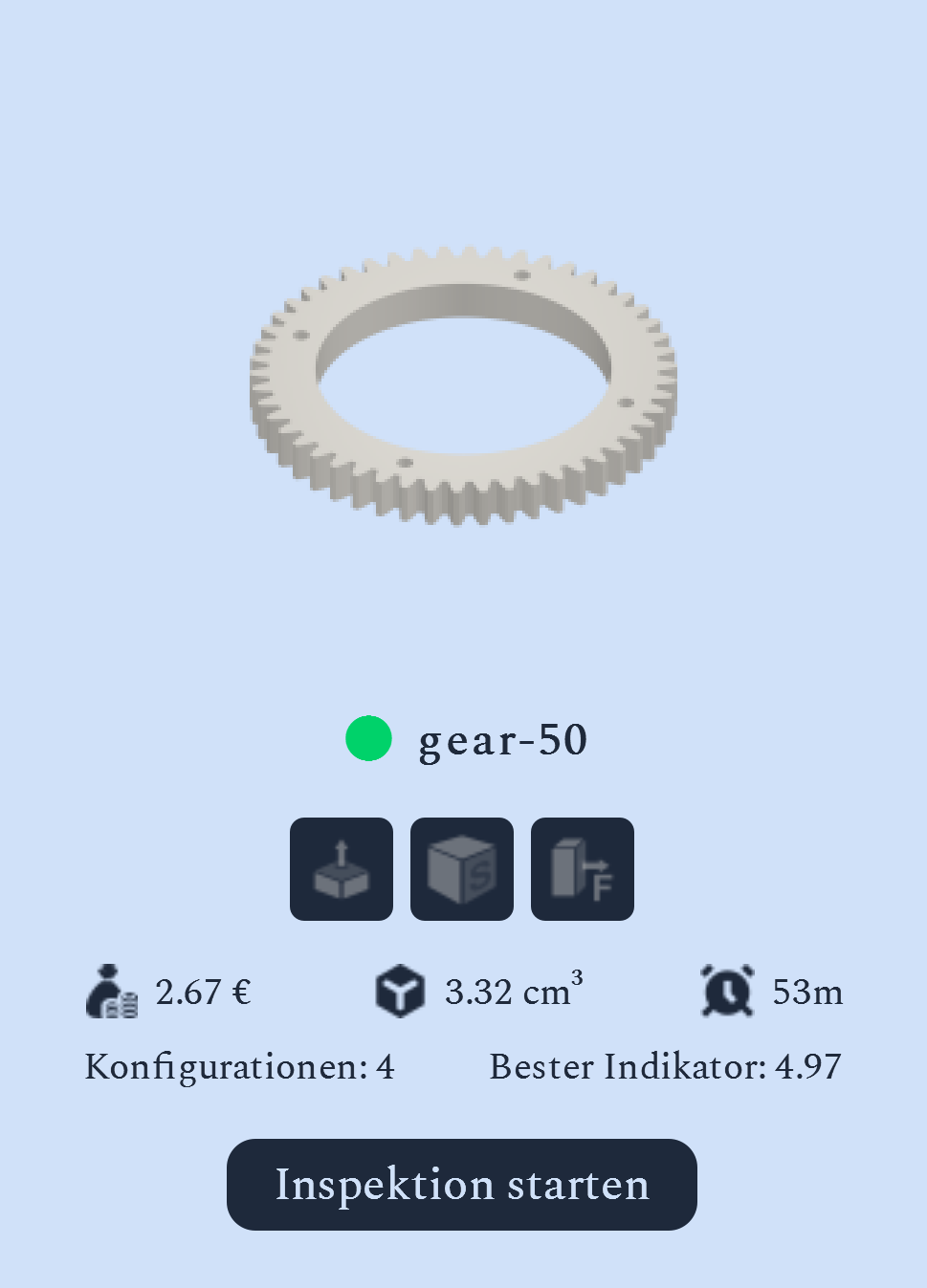
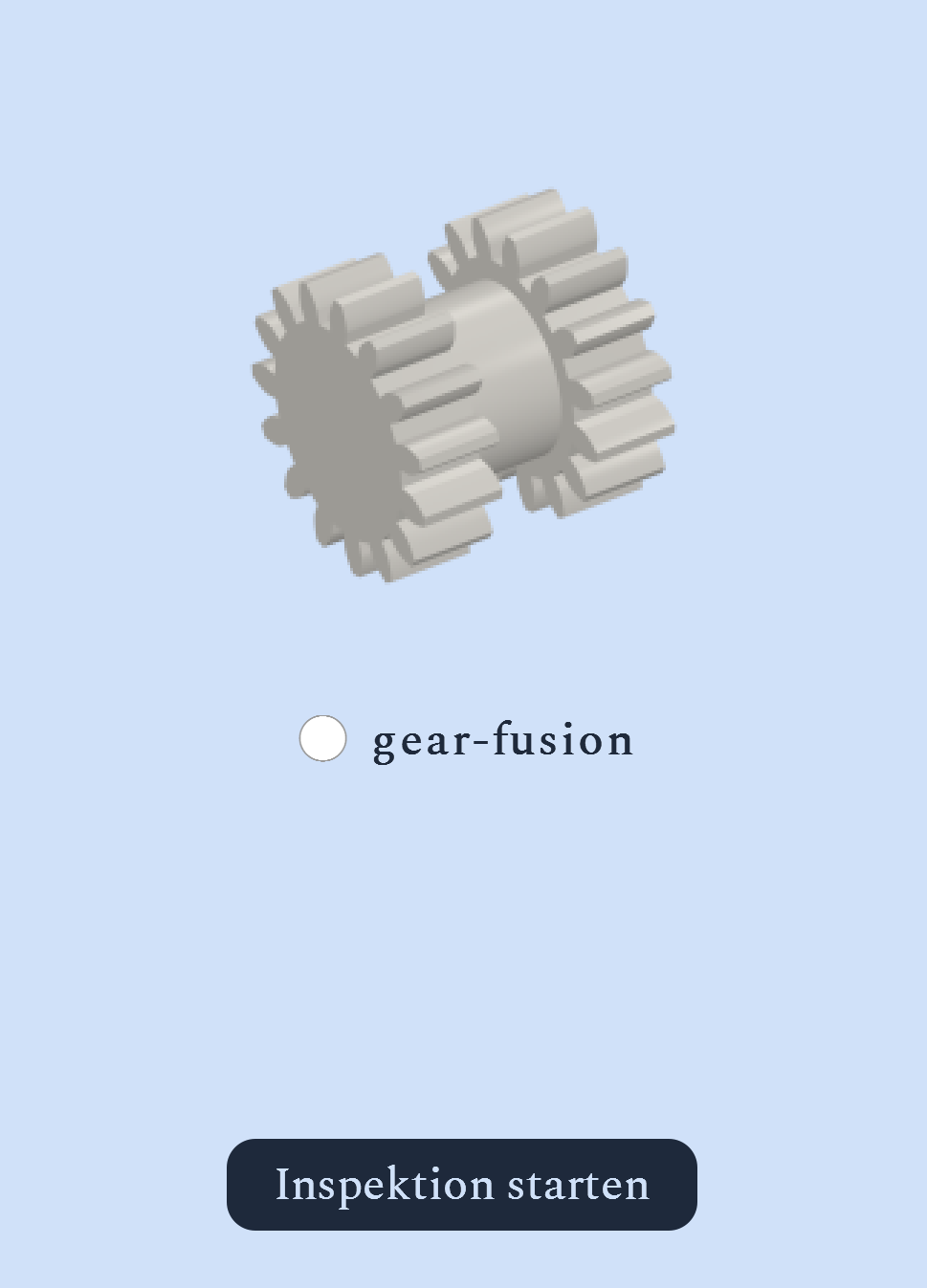
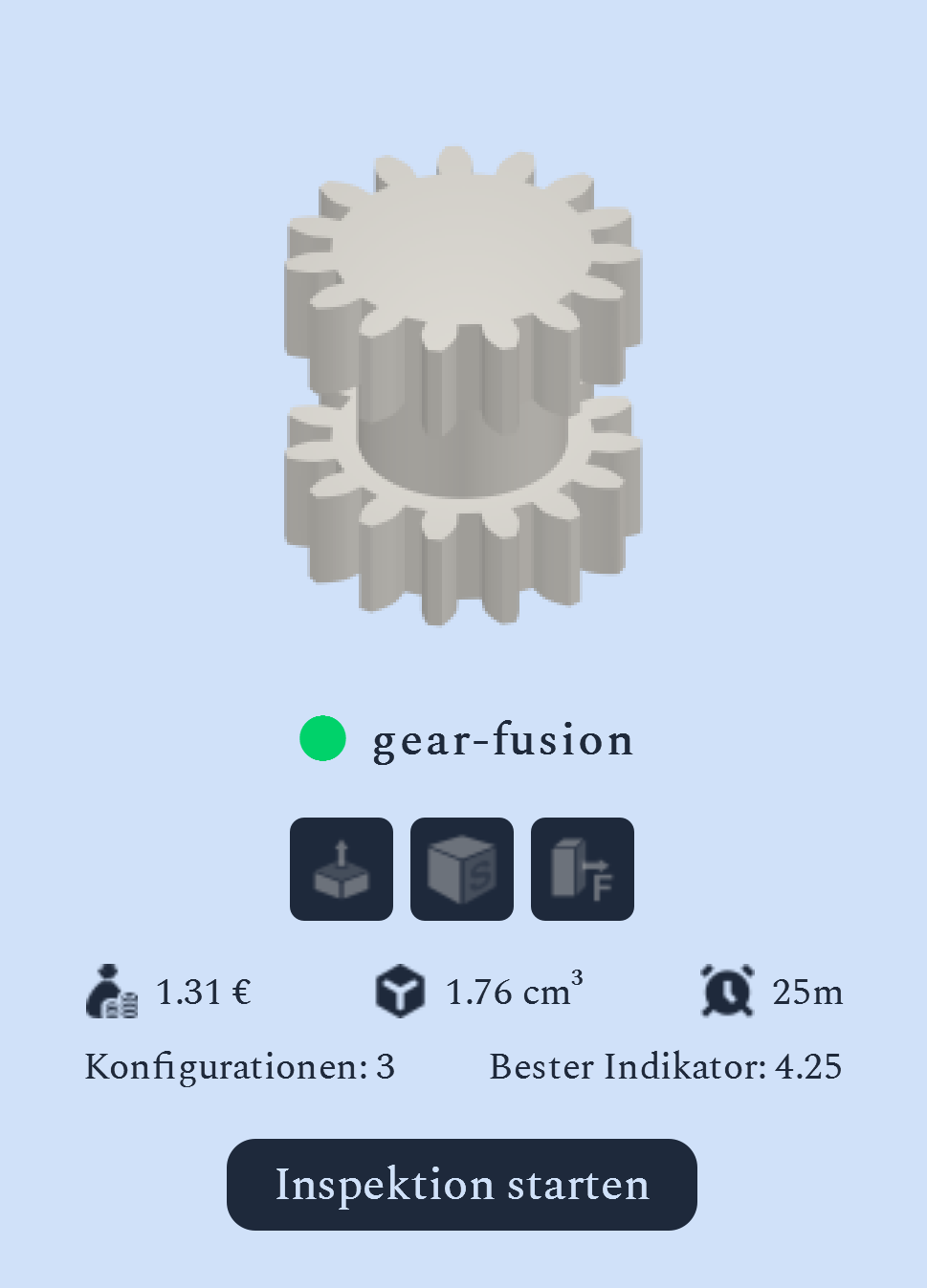
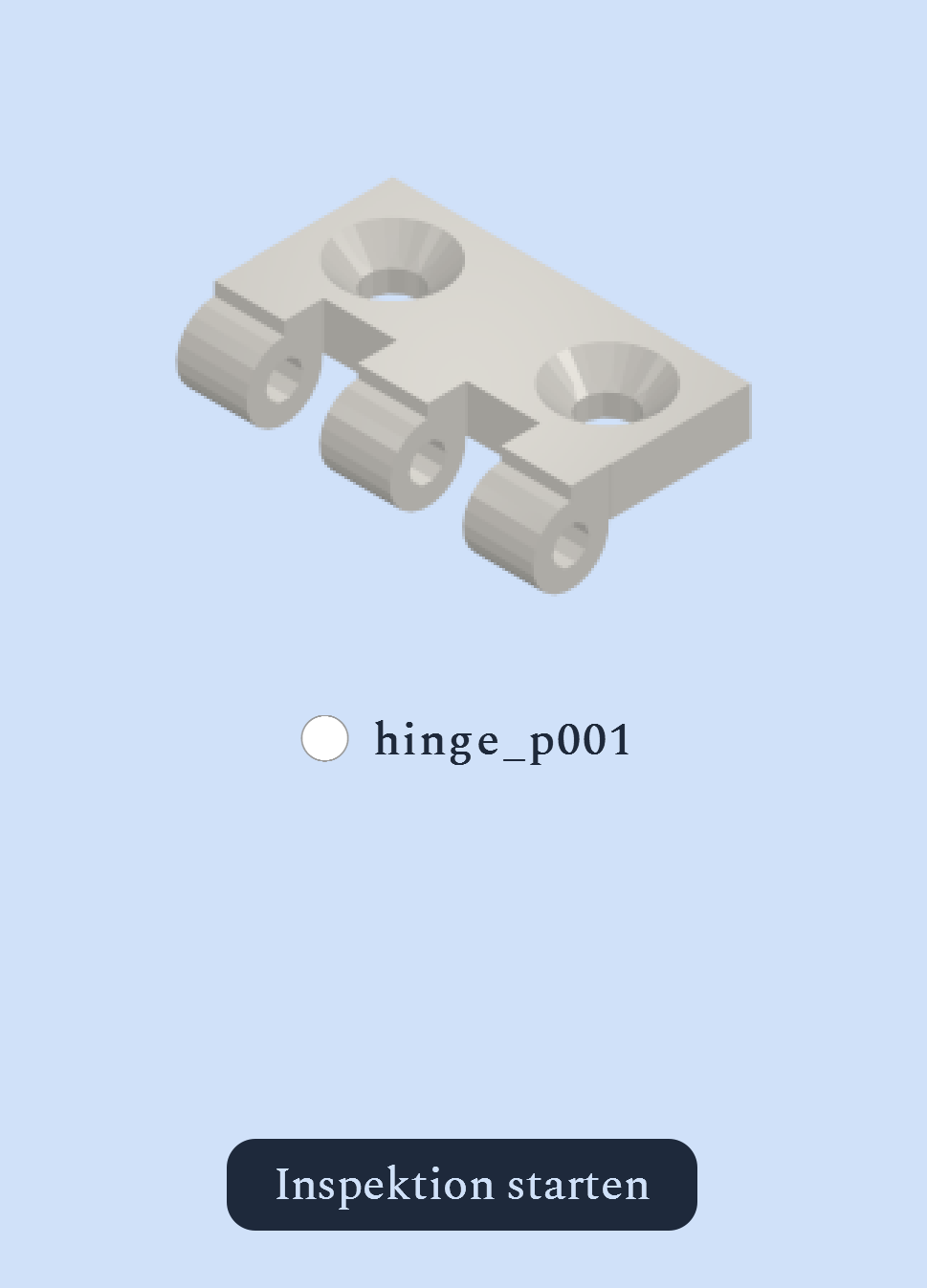
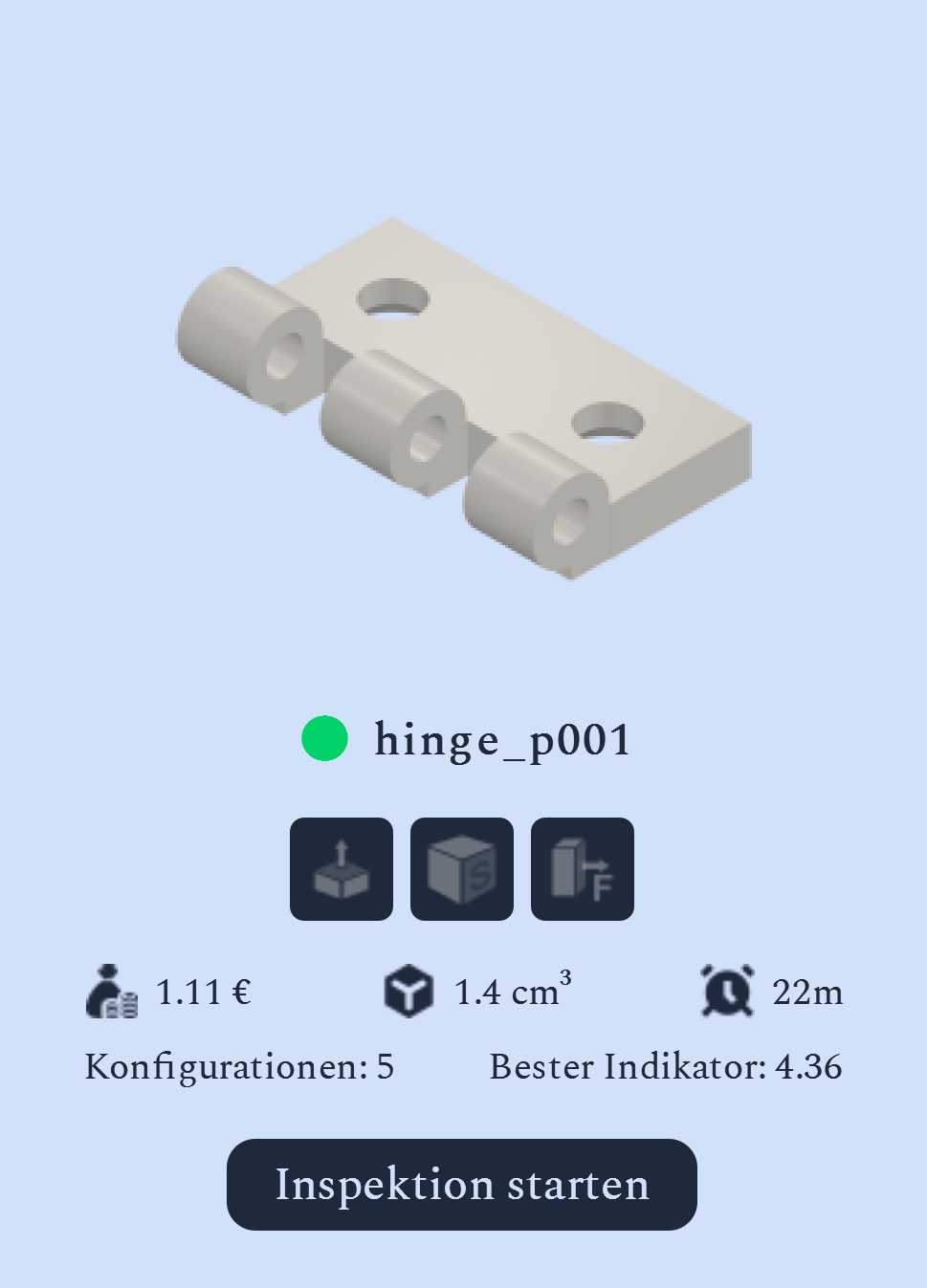
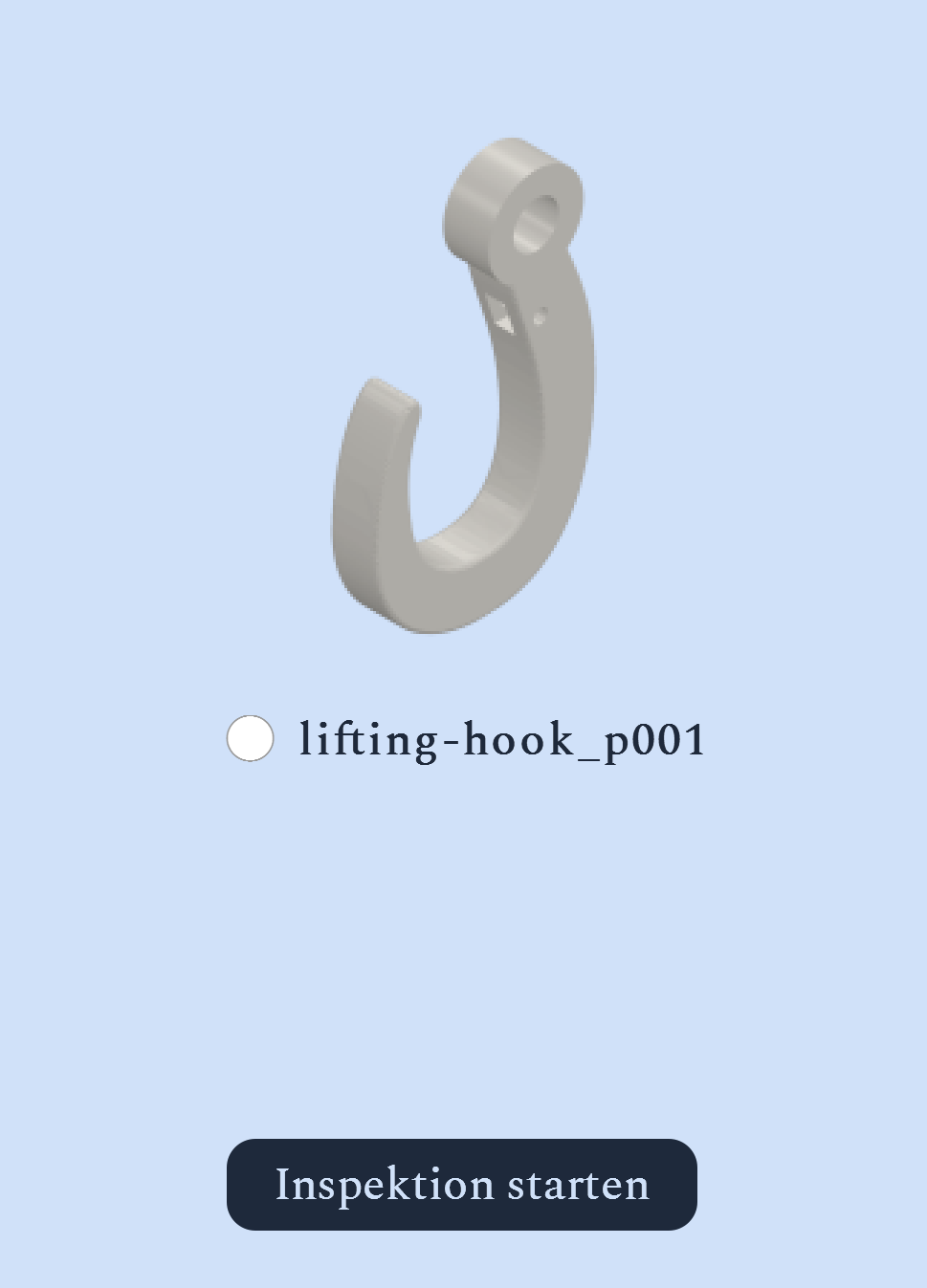
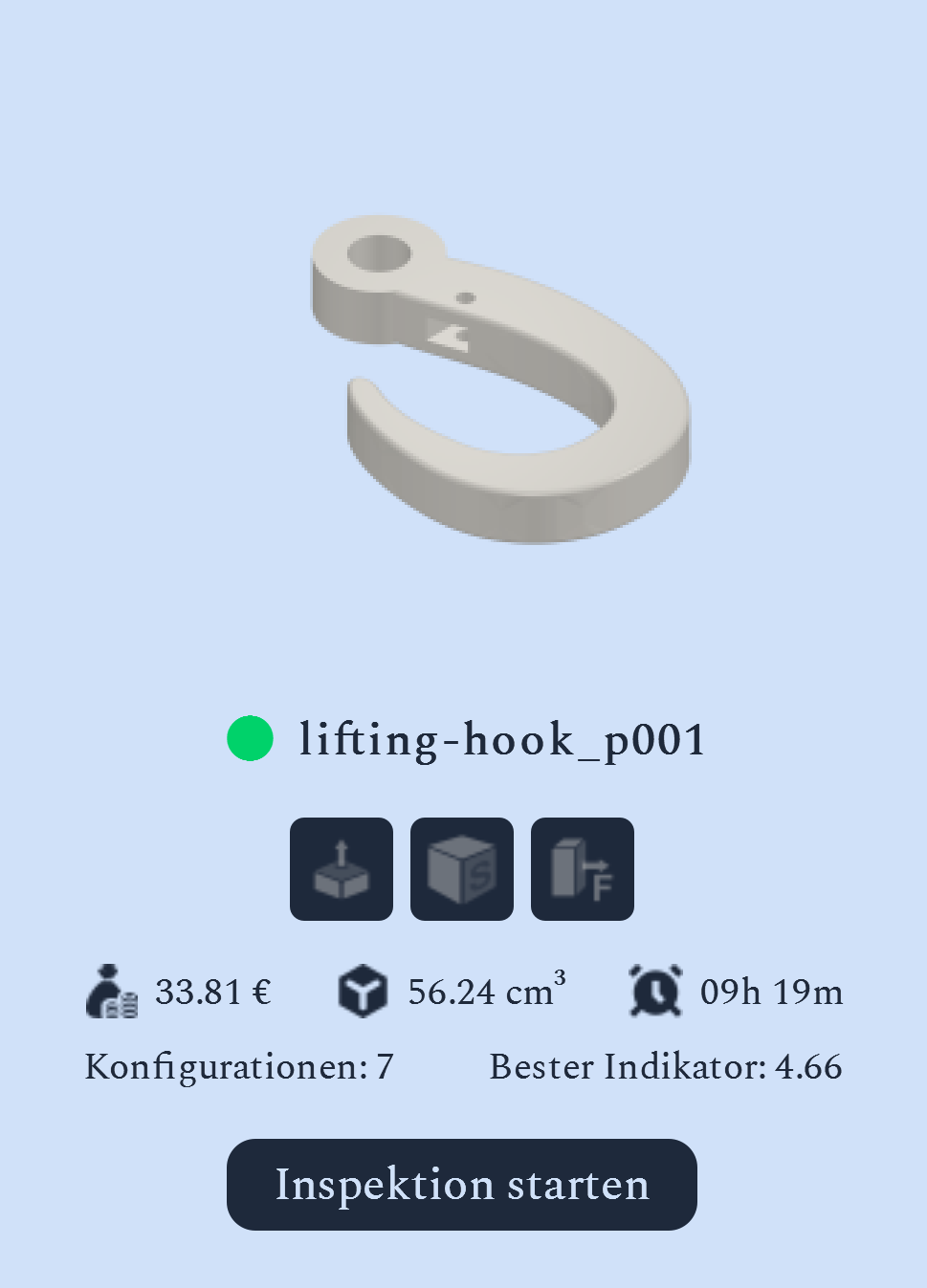
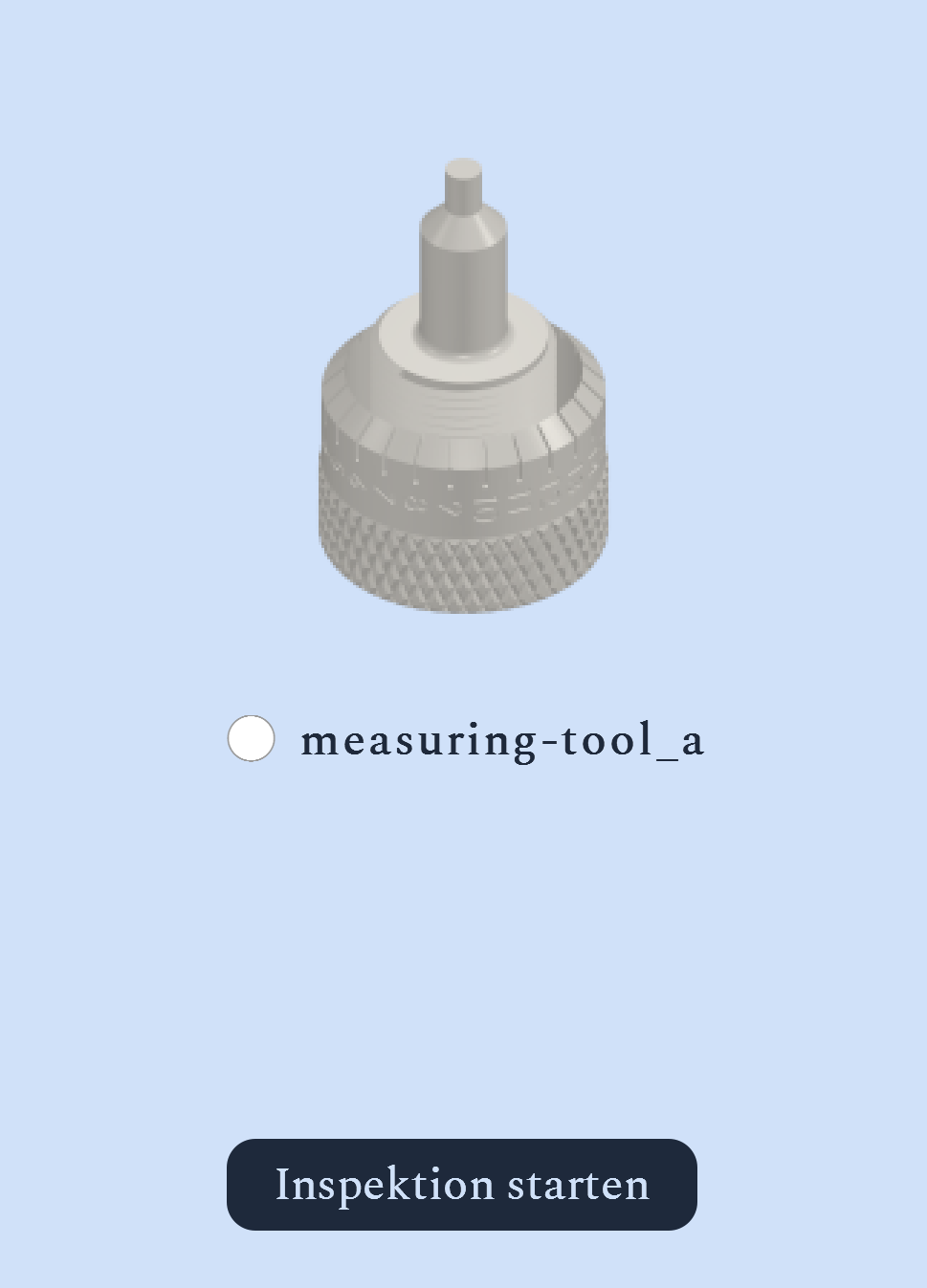
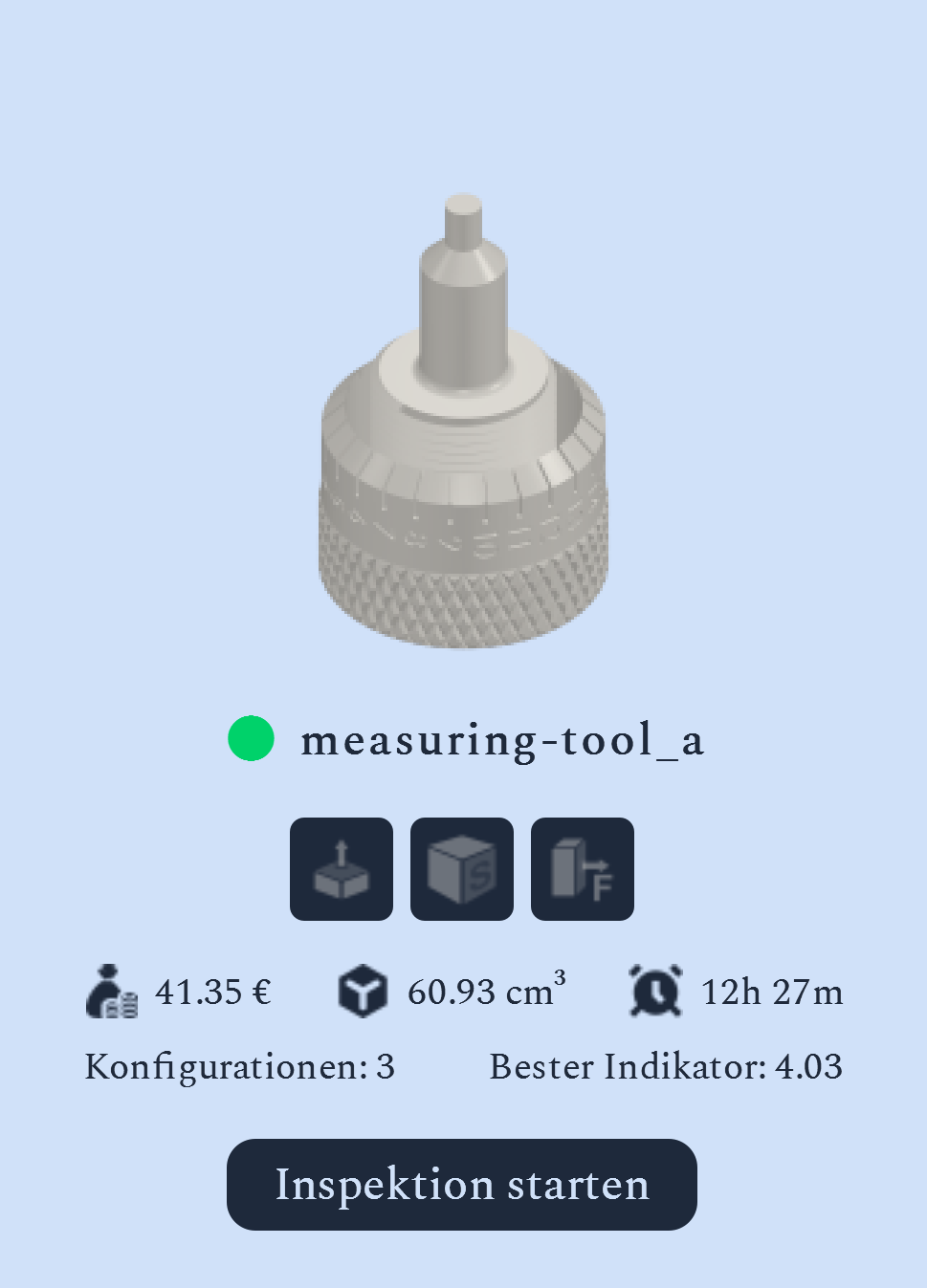
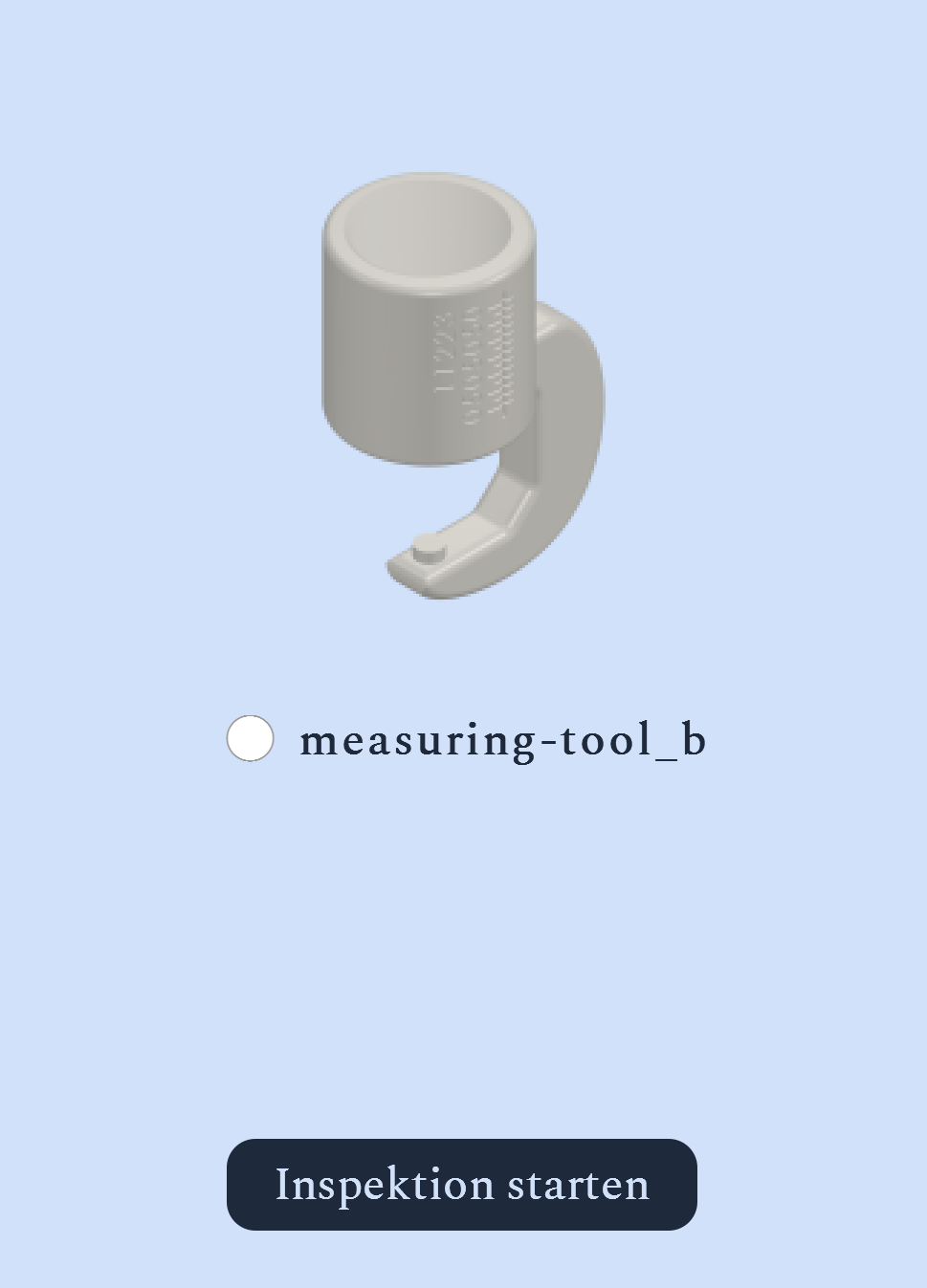
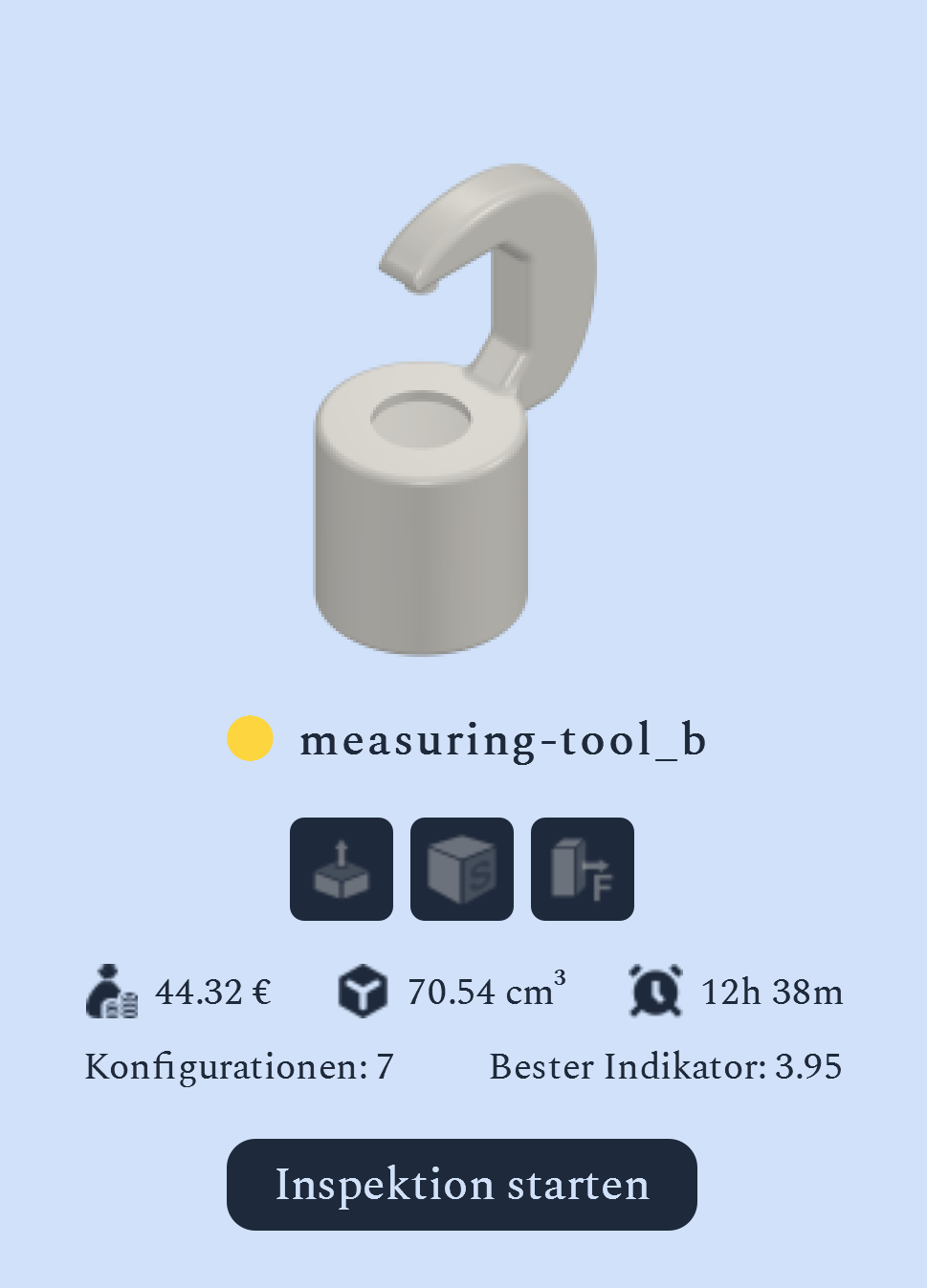
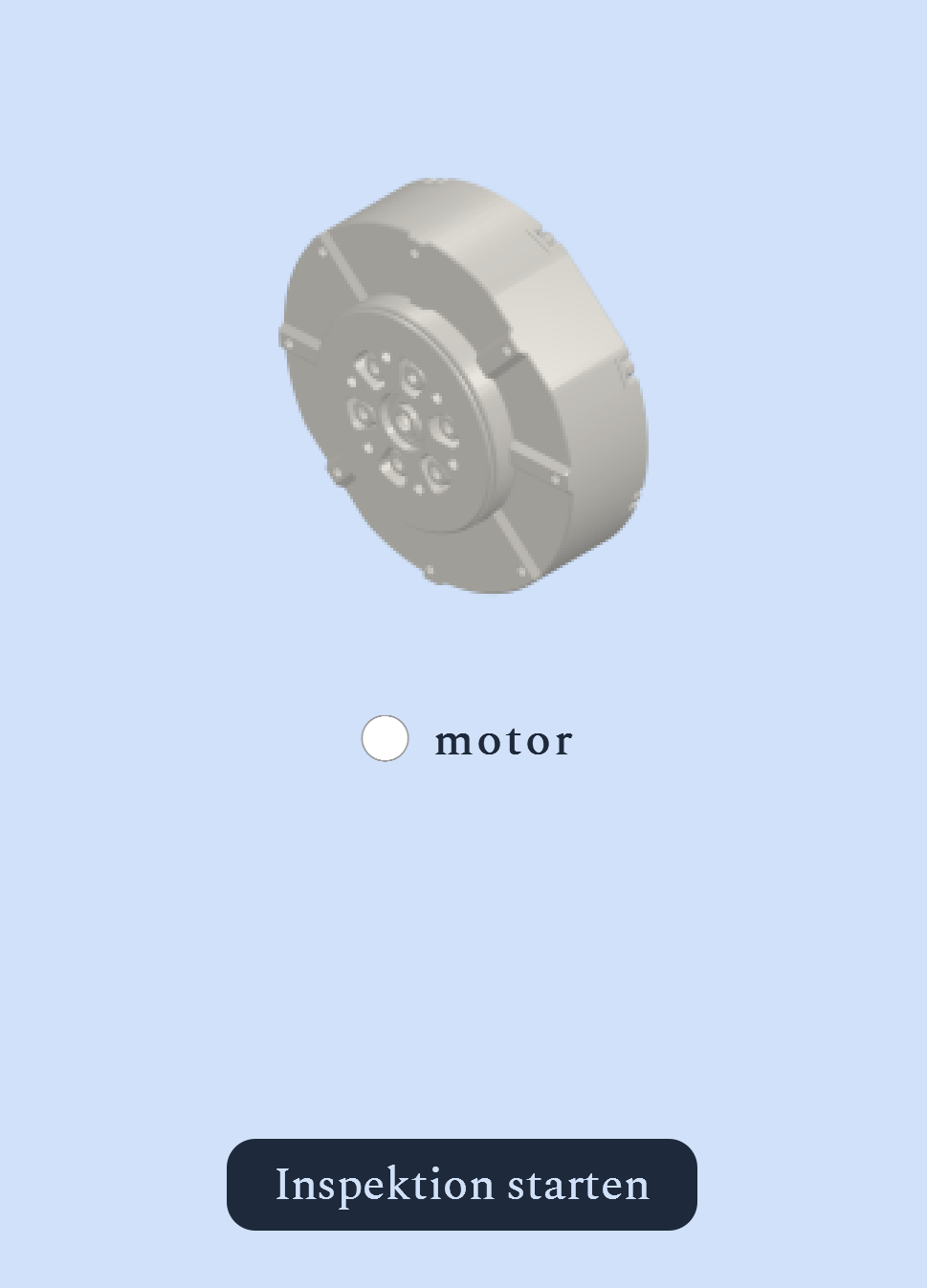
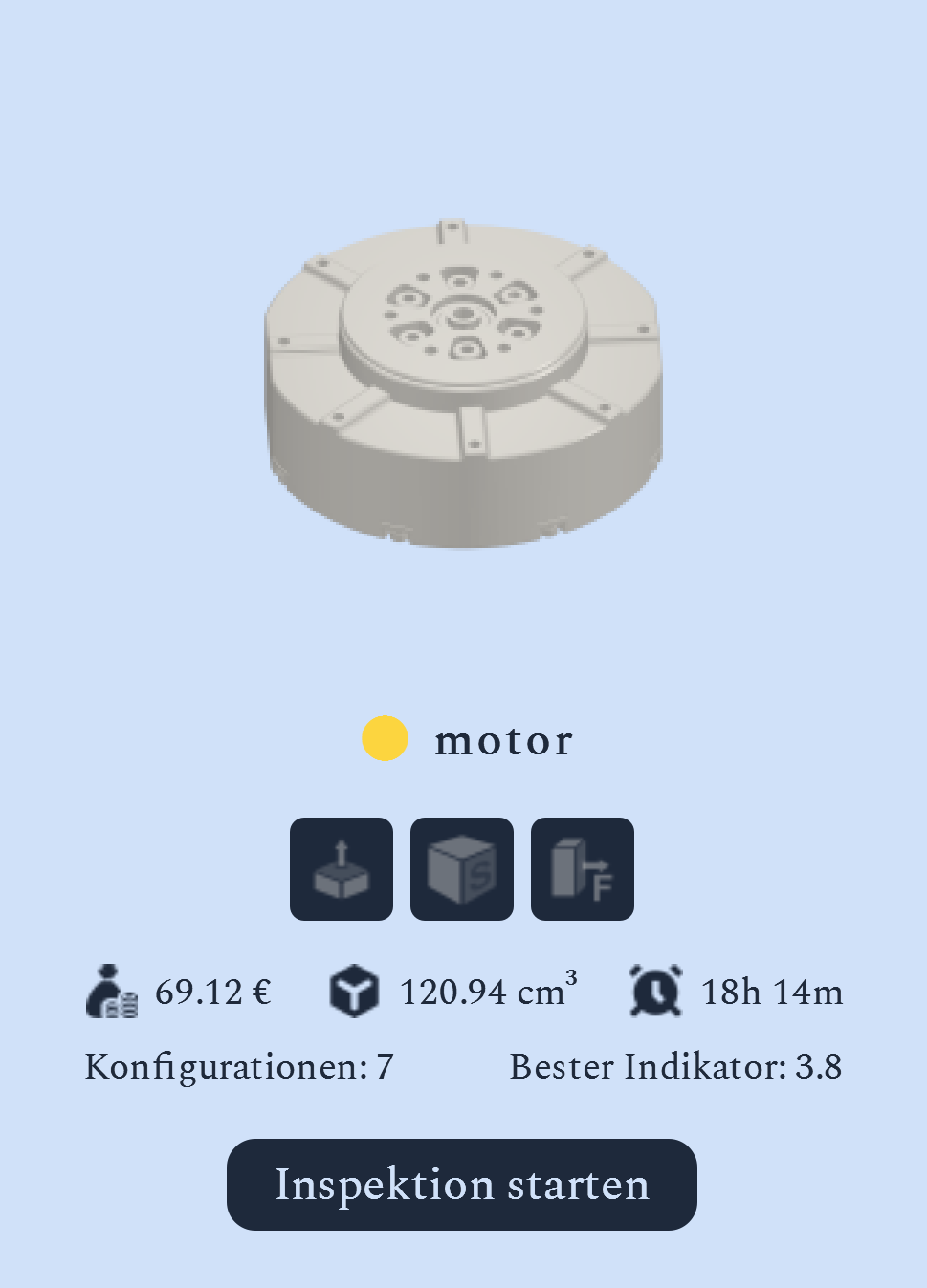
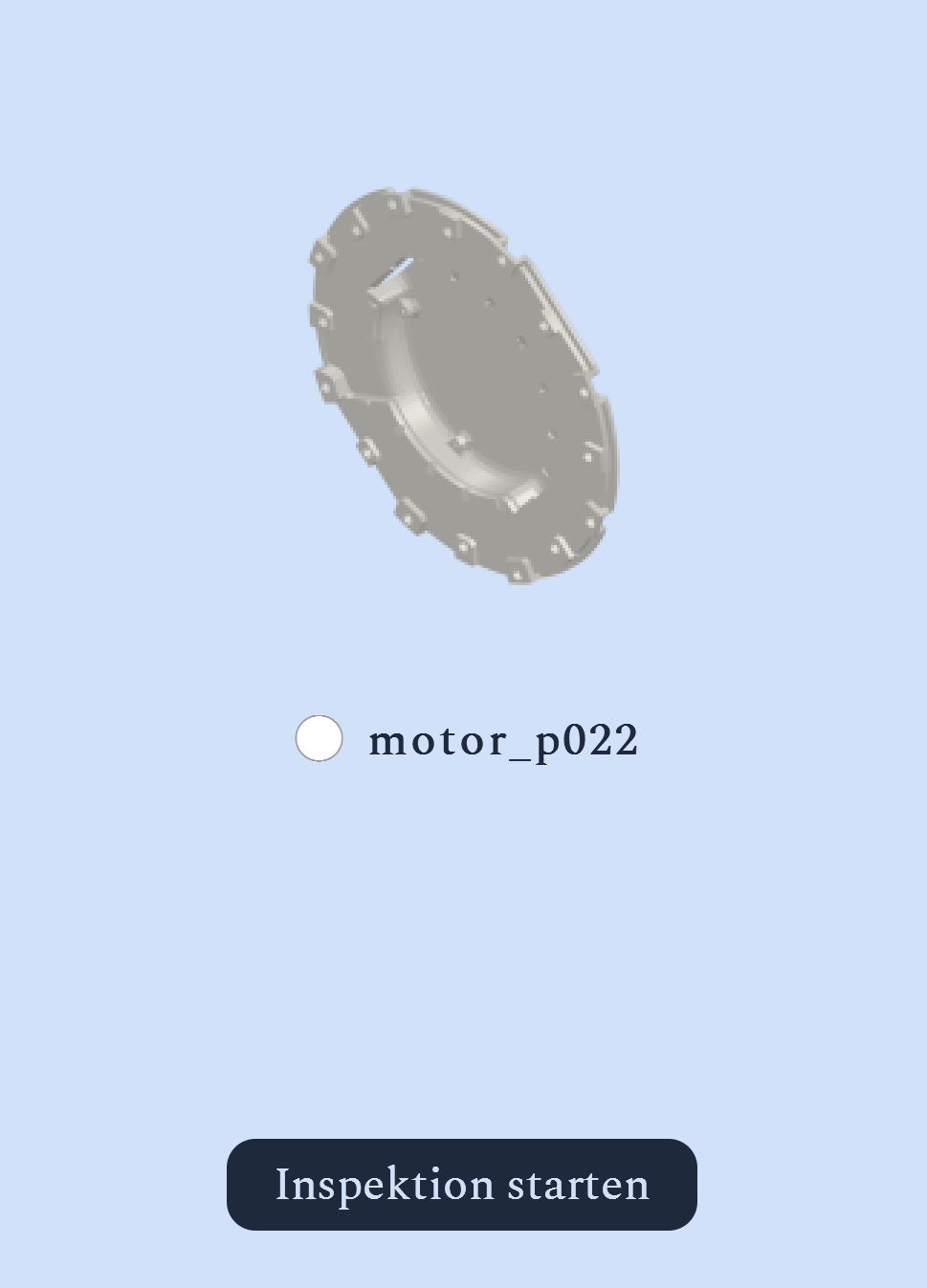
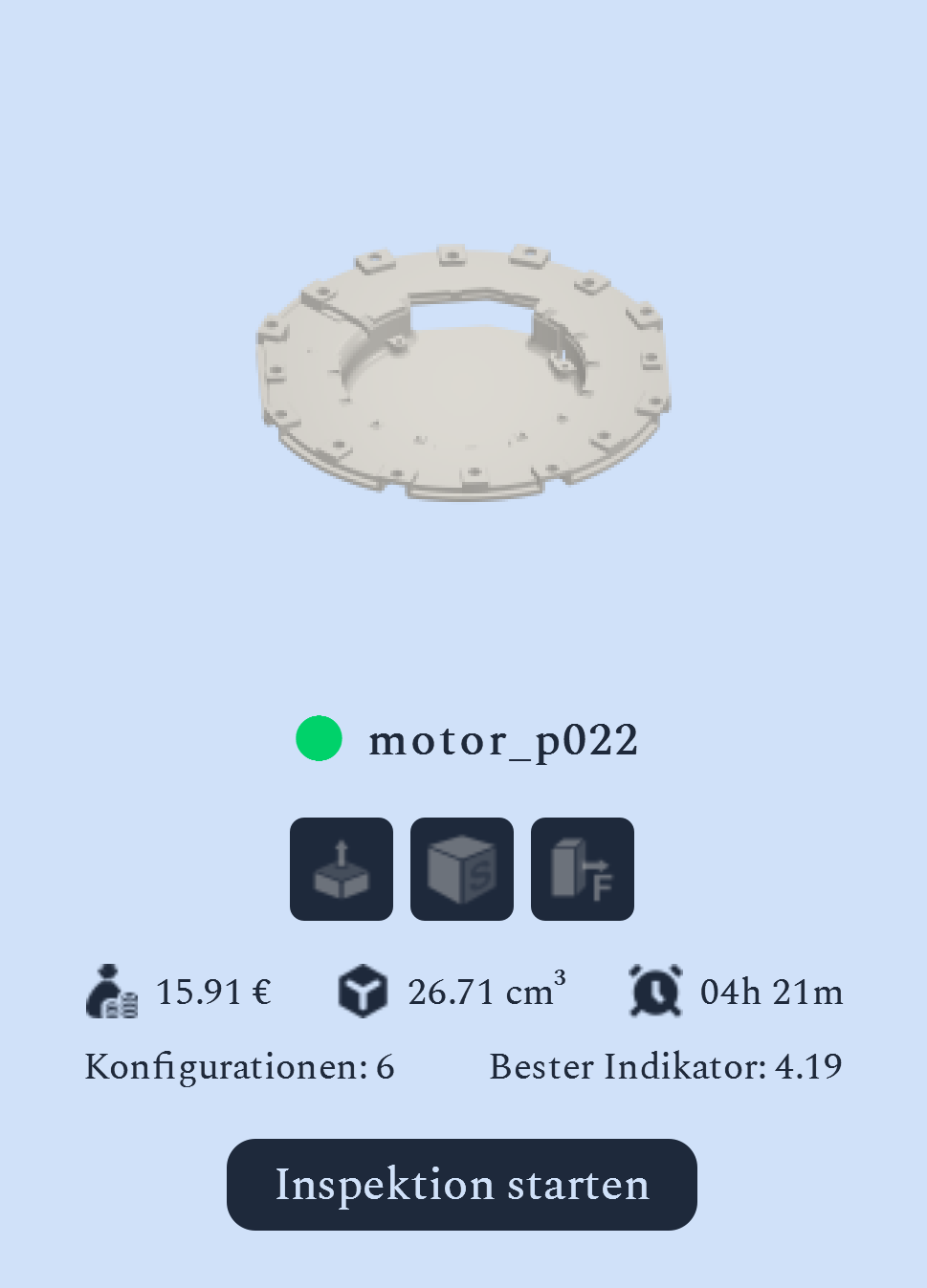
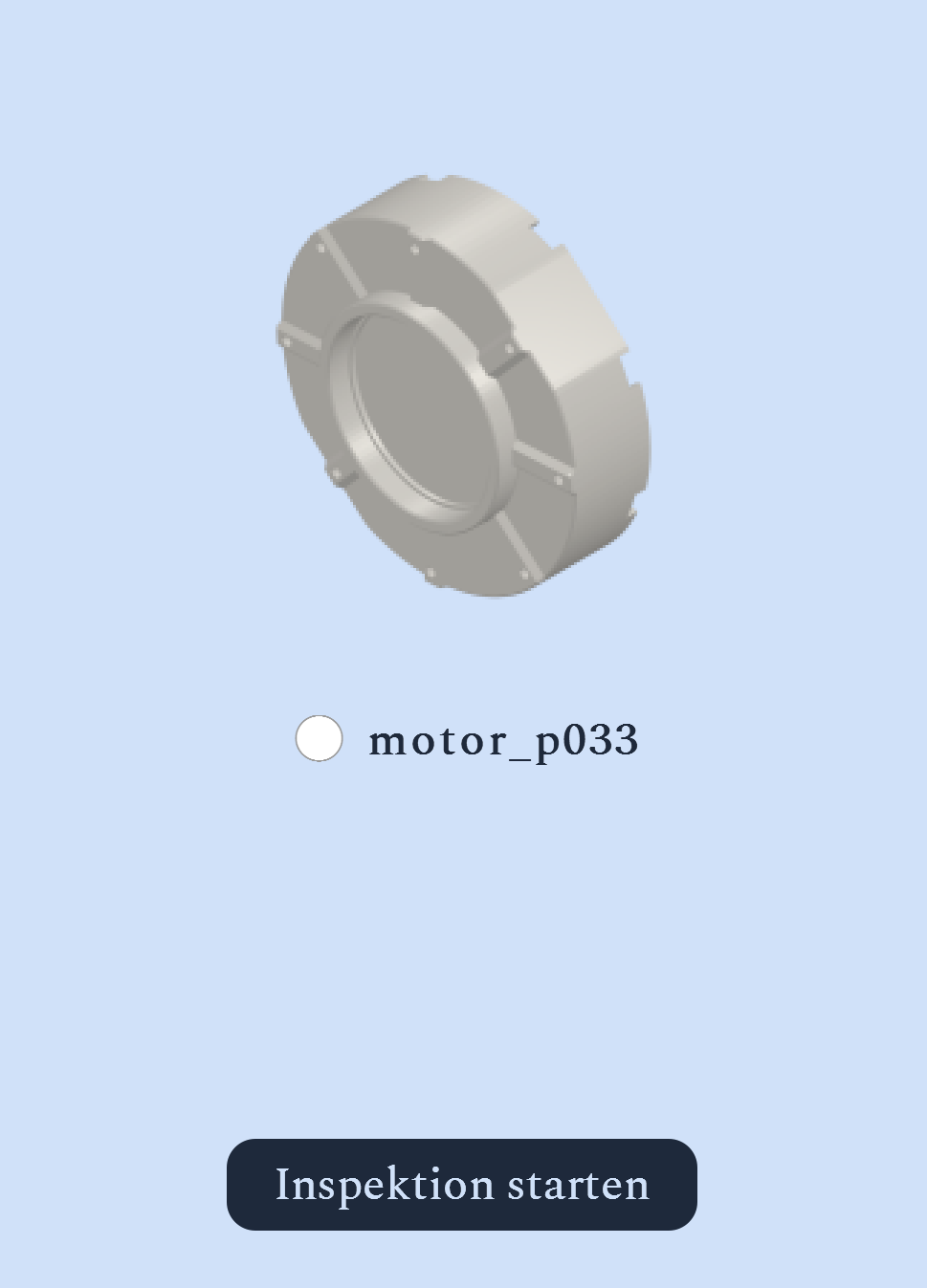
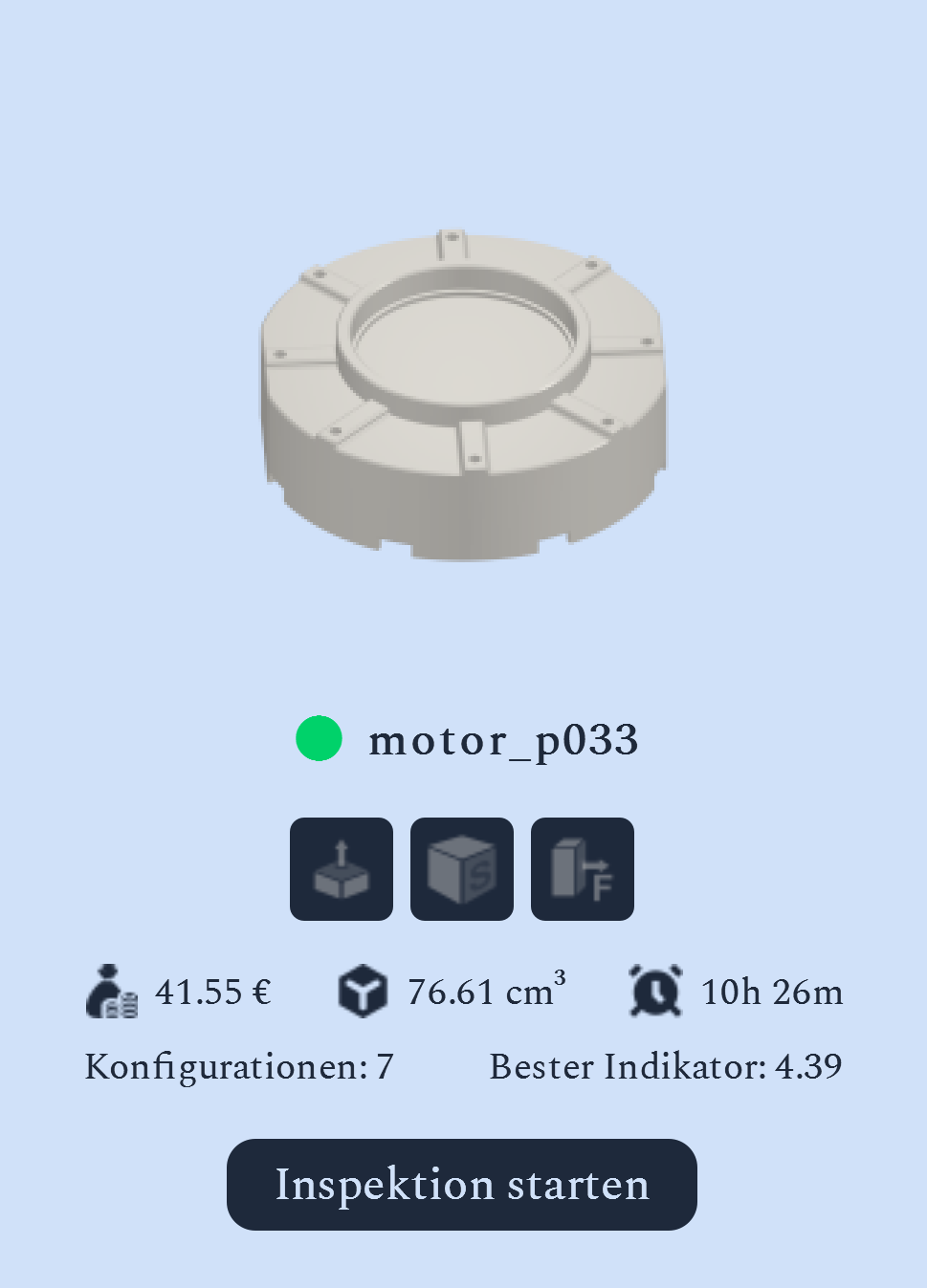
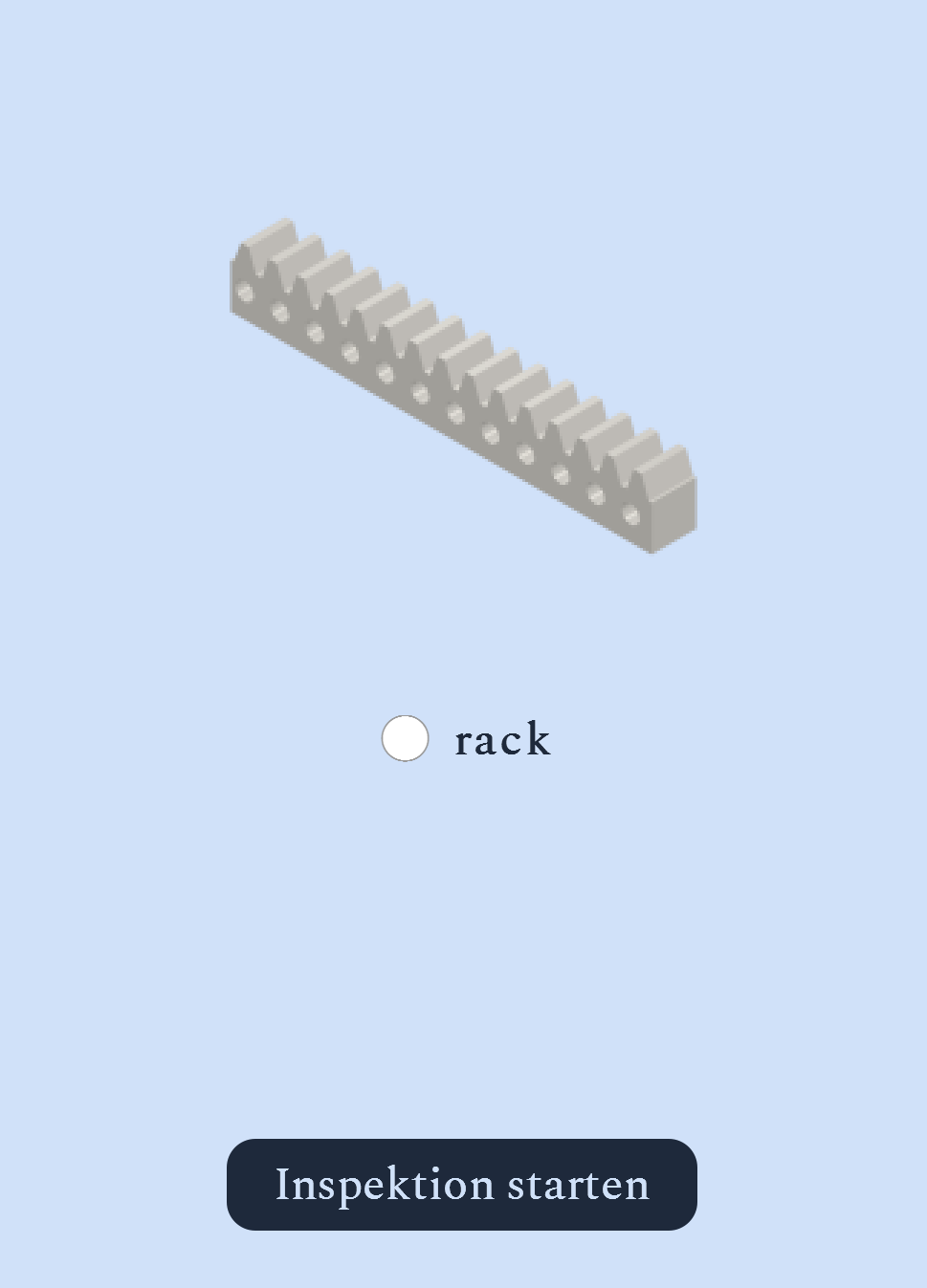
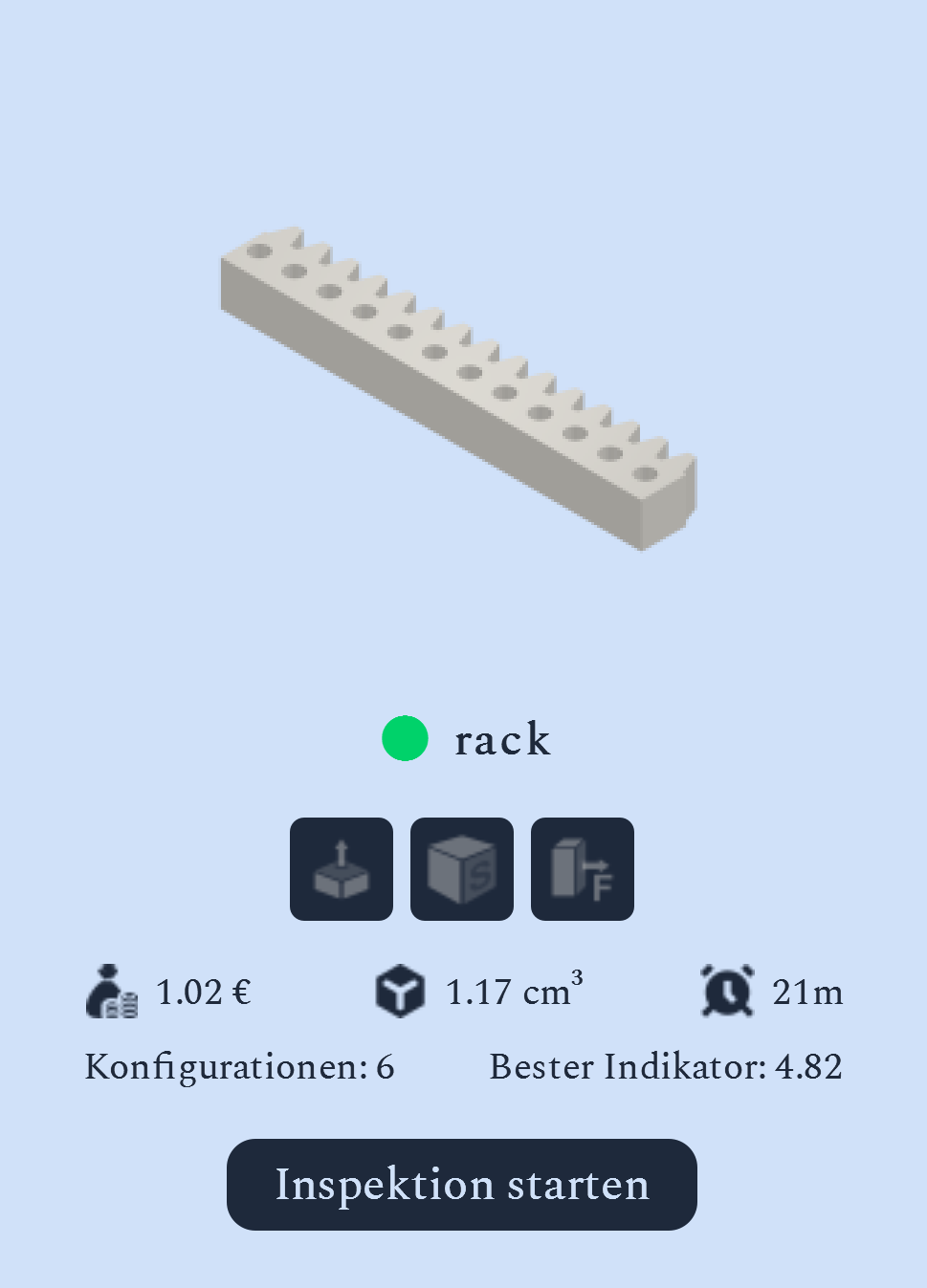
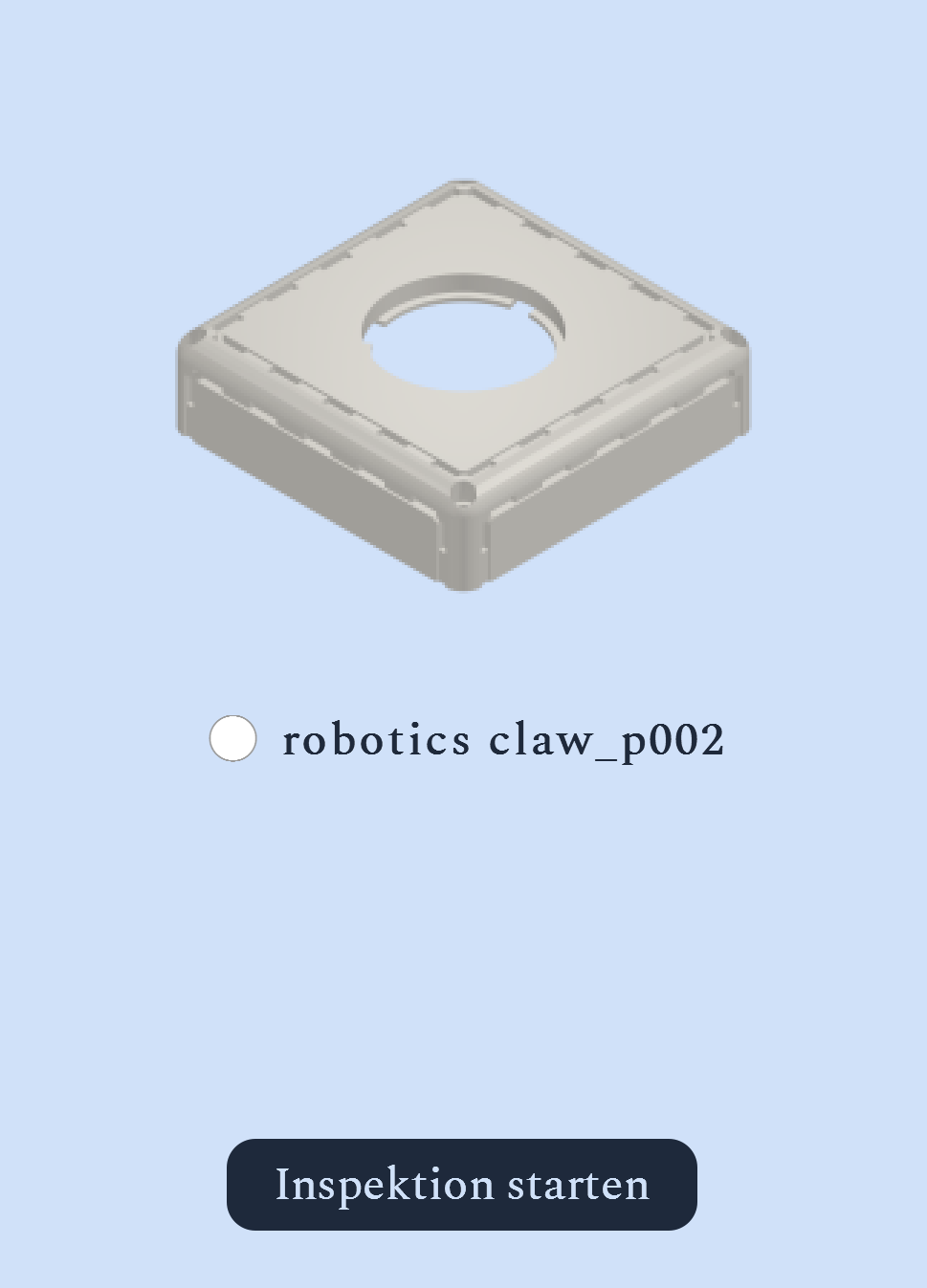
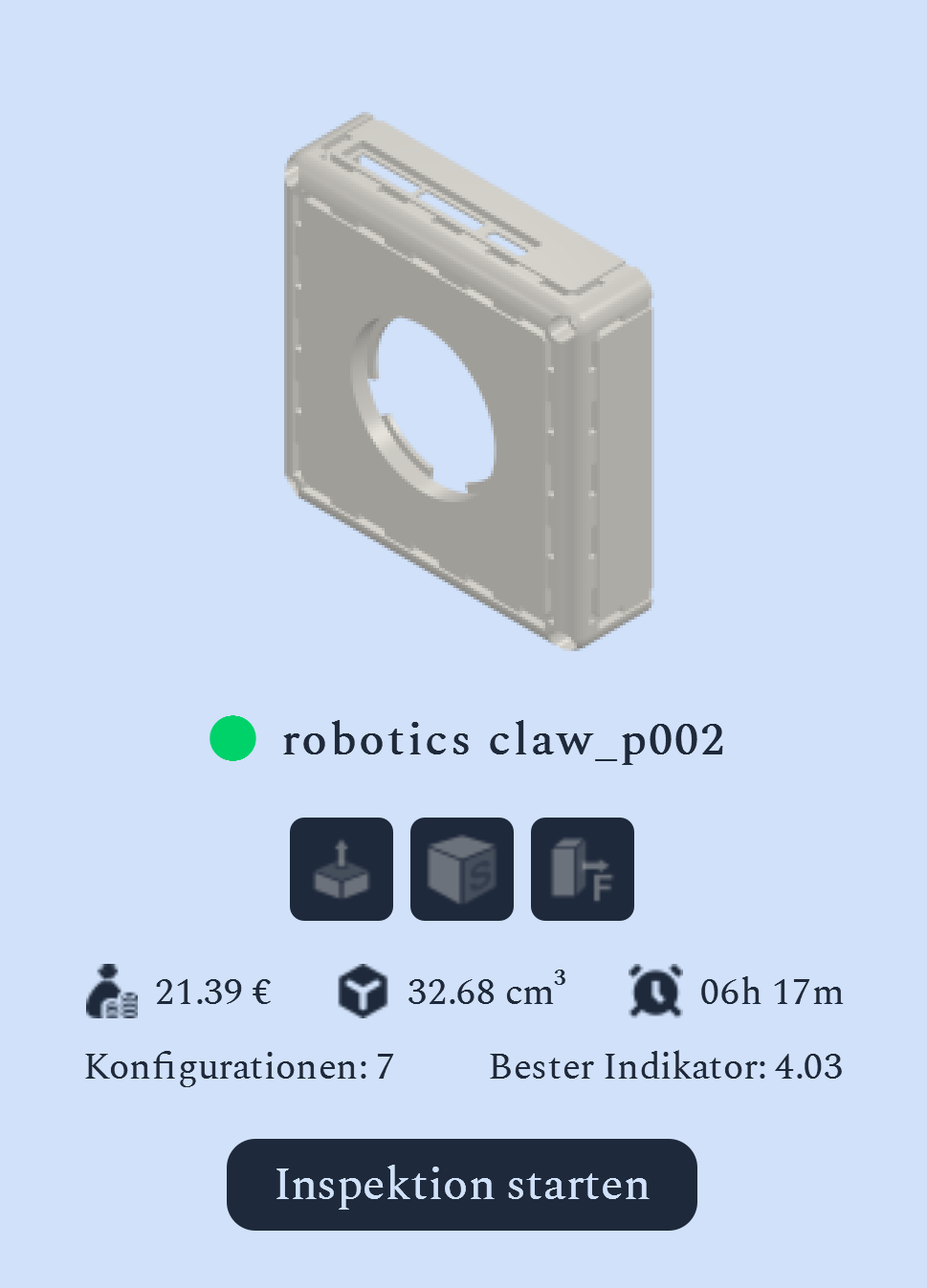
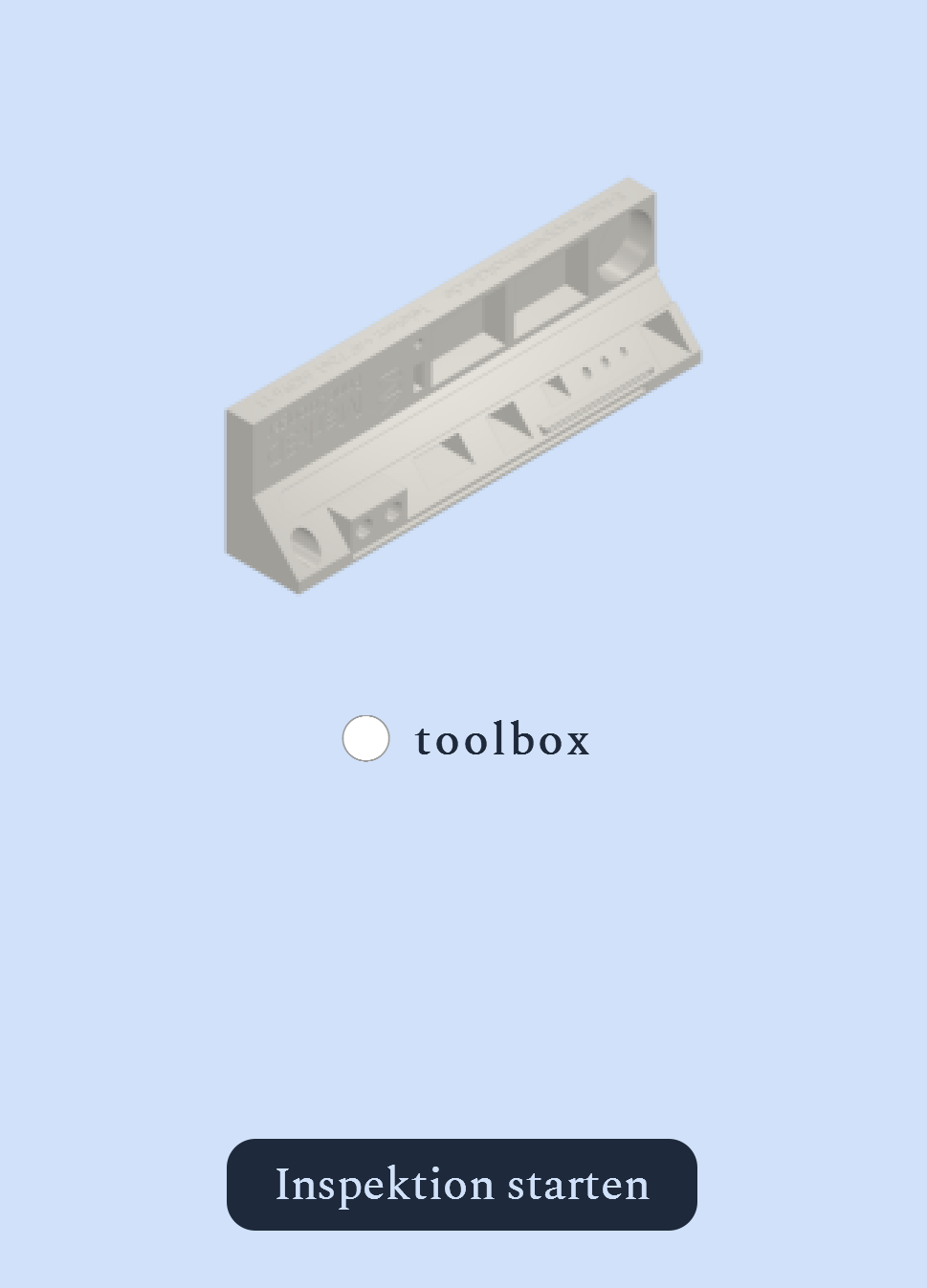
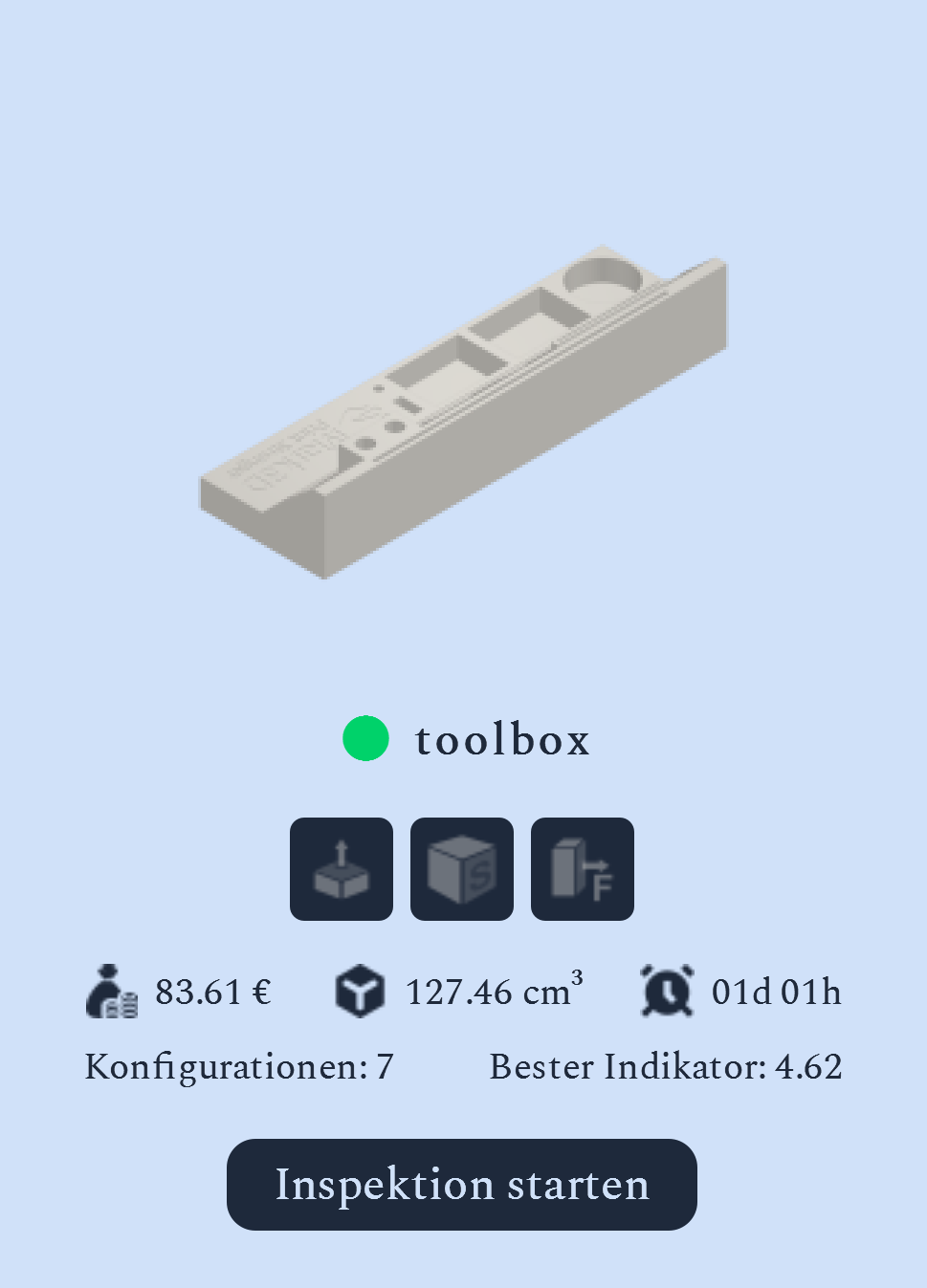
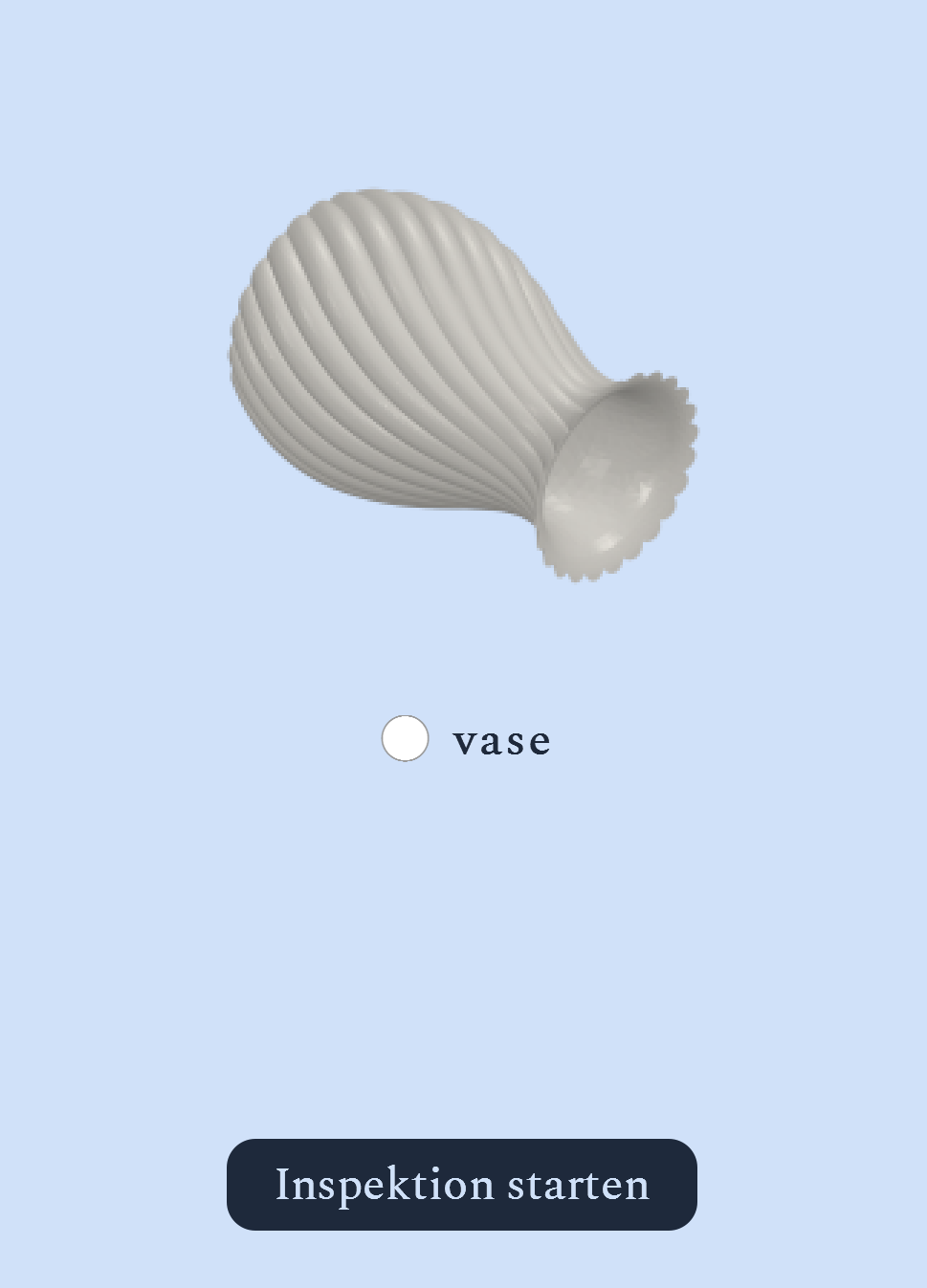
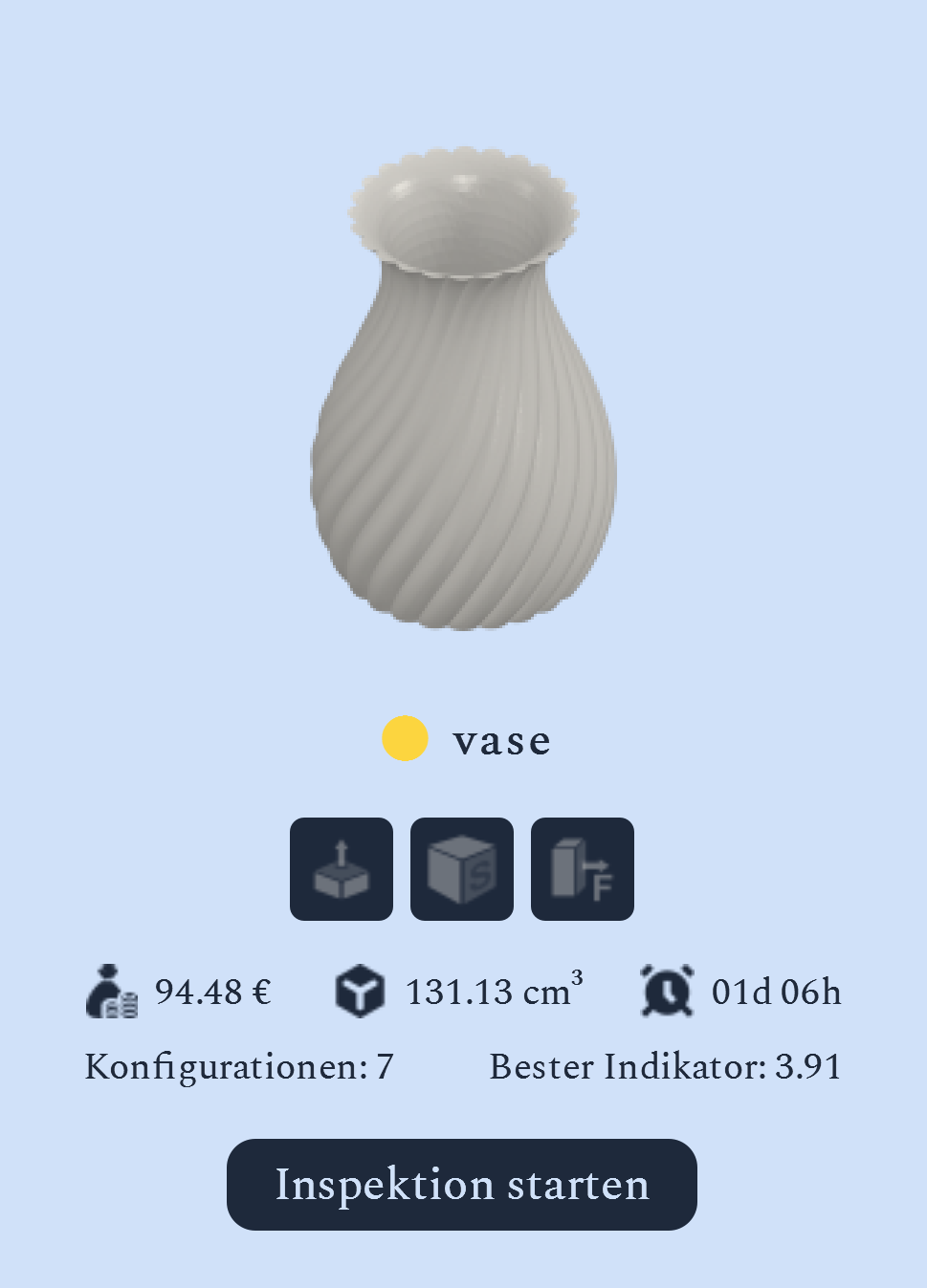
Import and manage 3D files
Import individual parts or larger inventories in batch mode. Organize your data into projects and create a structured basis for further analysis.
Inspect geometry and special surfaces
Analyze relevant geometric properties of your parts in the integrated 3D viewer. For example, inspect wall thickness, volume and defined custom surfaces.
Calculate print orientations
Identify potential print orientations and assess available metrics for support requirements, print time and cost. This lets you compare different configurations using consistent criteria.
Combine technical and economic criteria
Include geometric properties, manufacturing requirements, and economic metrics in your evaluation.
Include FEA results
If configured accordingly, supplement your part assessment with FEA results and take mechanical properties into account in your analysis.
Use analysis results
Keep track of your part analysis results and export selected configurations for further processing.
Many parts. Many questions. One analysis.
Discover the potential of your components
FROM 3D MODEL TO DECISION
How PartInspector works
Select parts
Import your CAD data and assemble the parts you want to analyze.
Define requirements
Define relevant special surfaces and other requirements for the inspection.
Run analysis
Calculate potential print orientations and determine the available technical and commercial metrics.
Compare results
Explore the options in the 3D viewer and compare their properties using the criteria that matter to you.
Select configurations
Choose the right option and export the part for further processing.
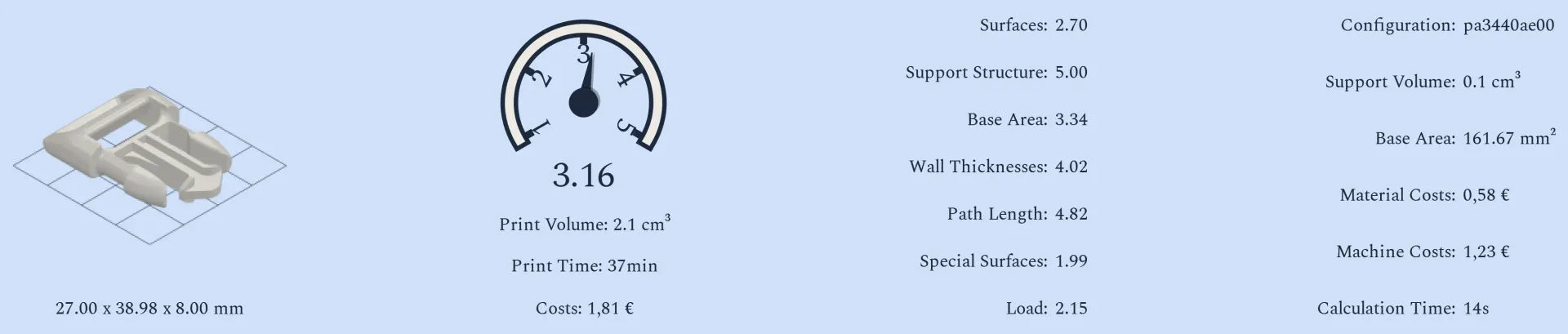
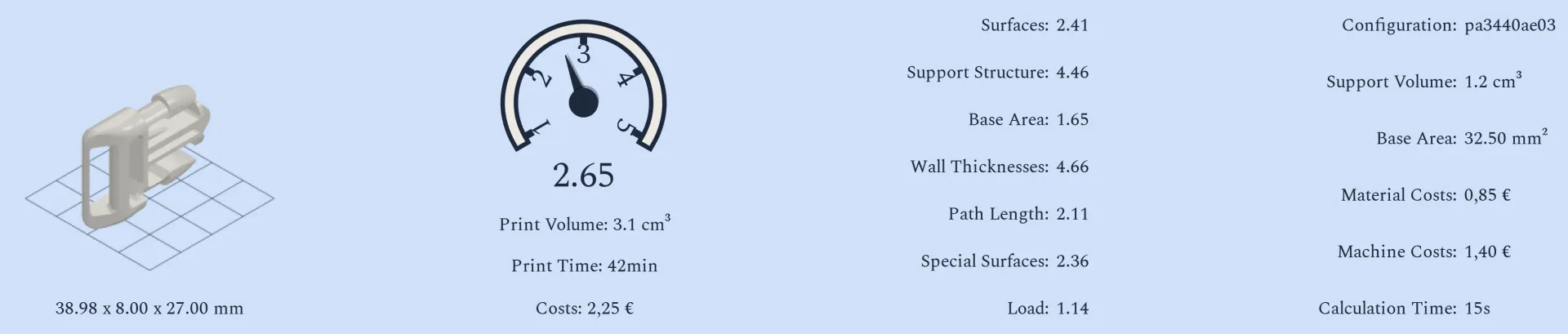
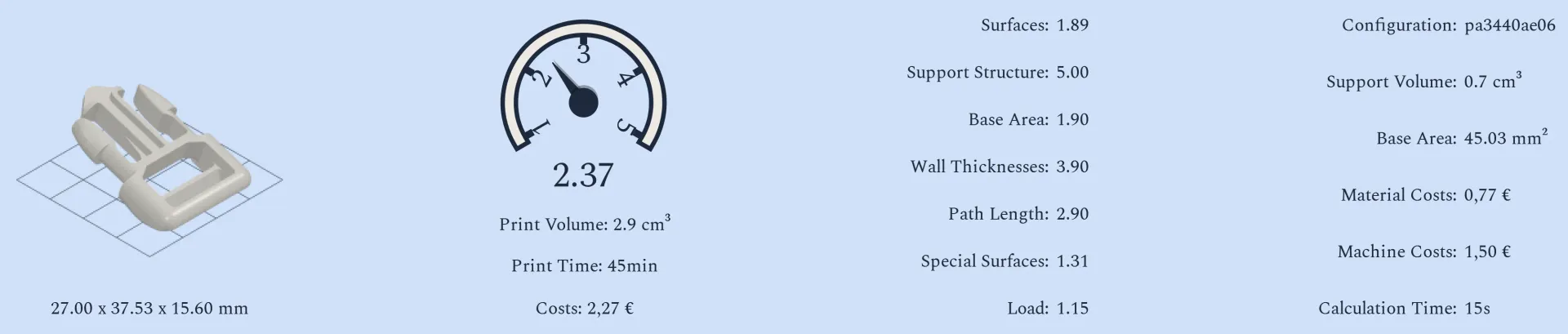
Compare print orientations
DETAILED PART ANALYSIS
Take a closer look at the evaluated criteria.
A component’s suitability for FDM 3D printing depends on a range of geometric, manufacturing and economic factors.
PartInspector helps you systematically examine relevant criteria and compare their ratings.

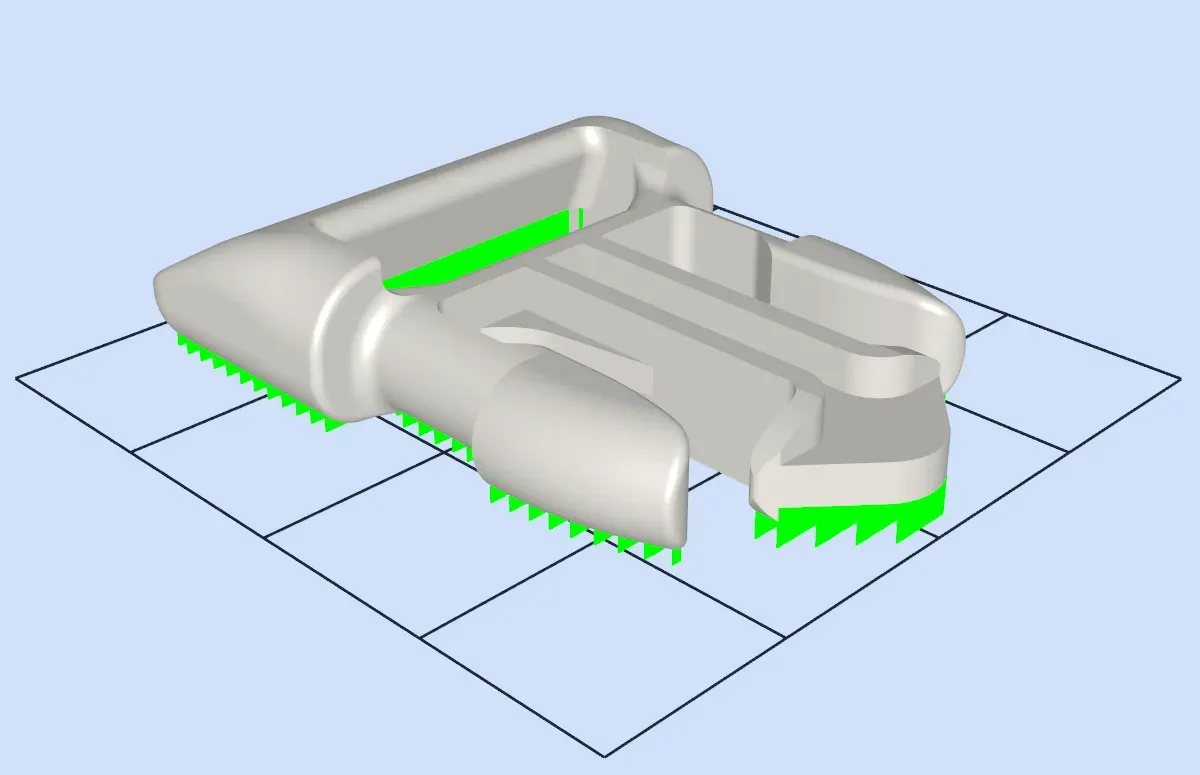

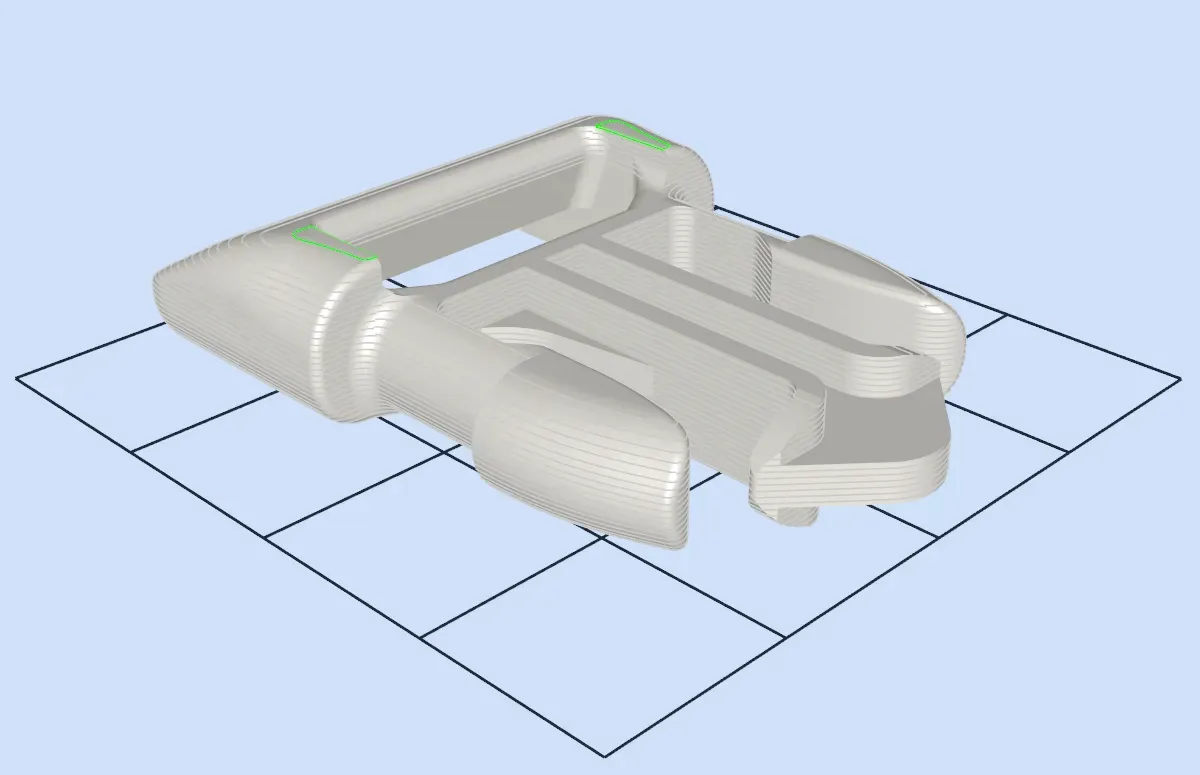

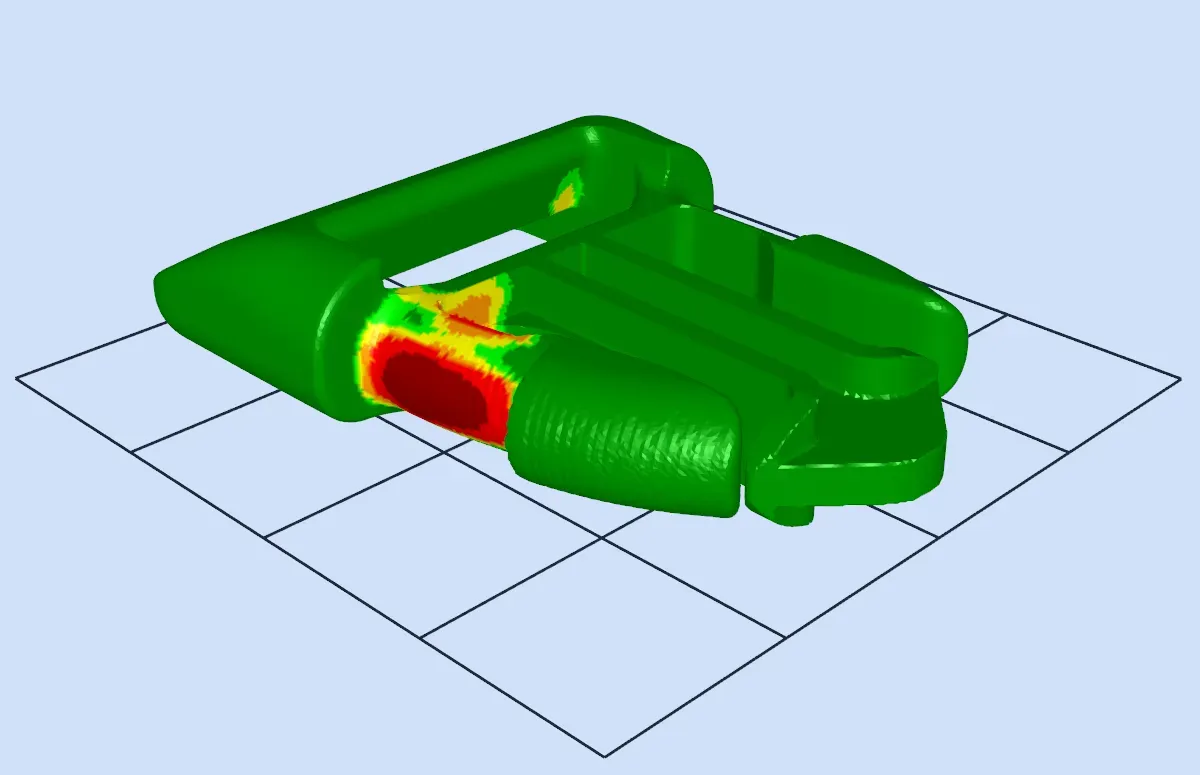
Selected analysis criteria in the integrated 3D viewer
NOT JUST FASTER. MAKE BETTER DECISIONS.
Why PartInspector?
Less manual work
Automated analyses reduce the effort involved in repeatedly testing and manually comparing different print configurations.
Get comparable results
Evaluate different components and print configurations using consistent criteria. This makes systematic comparison easier.
Take individual requirements into account
Use the wide range of settings to tailor the analysis to your specific requirements.
Bring together technical and commercial perspectives
Print time and costs are not separate from the technical assessment. PartInspector brings different evaluation criteria together in one workflow.
Efficiently inspect large part inventories
Analyze numerous components in batch mode instead of inspecting and comparing each component individually.
Make decisions transparent
Structured analysis results provide a clear basis for technical and commercial decisions and help you select suitable parts for FDM printing.
Find out whether PartInspector is right for your application.
In a personal demo, you can explain your requirements and questions. Together, we'll discuss how PartInspector fits your use cases and what the software can do for you.
Would you like to compare the license options first?